
How Astalty handles participant risk assessments, controls, reviews and custom registers, for NDIS providers who are sick of keeping compliance in spreadsheets.
Astalty is NDIS compliance software that includes both risk management and audit-ready registers. Every participant has their own risk register, with likelihood, consequence, controls and a review schedule, and you can build a custom register for anything else you need to track: conflicts of interest, continuous improvement, emergency drills, restrictive practices.
That's the short answer. Here's why it matters.
Most providers don't have a risk management problem. They have a "where is it and is it current" problem. The risk assessment exists, but it's a Word document from onboarding that nobody has opened since. The conflict of interest register is a tab in a spreadsheet that one person updates. When an auditor asks to see how a risk has been reviewed over the last 12 months, someone spends an afternoon piecing it together.
NDIS risk management only works if the risk is recorded properly, the controls are written down, the review actually happens, and you can prove all three. That's what this post walks through.
Risk assessments that live on the participant's profile
In Astalty, risks sit on the participant's profile under Risks. That page works as the participant's risk register.
When you add a risk, you give it a title and a description, and you choose who the risk is to: the participant, the business, staff, or others. You set how often it needs reviewing: weekly, monthly, quarterly, six monthly or annually.
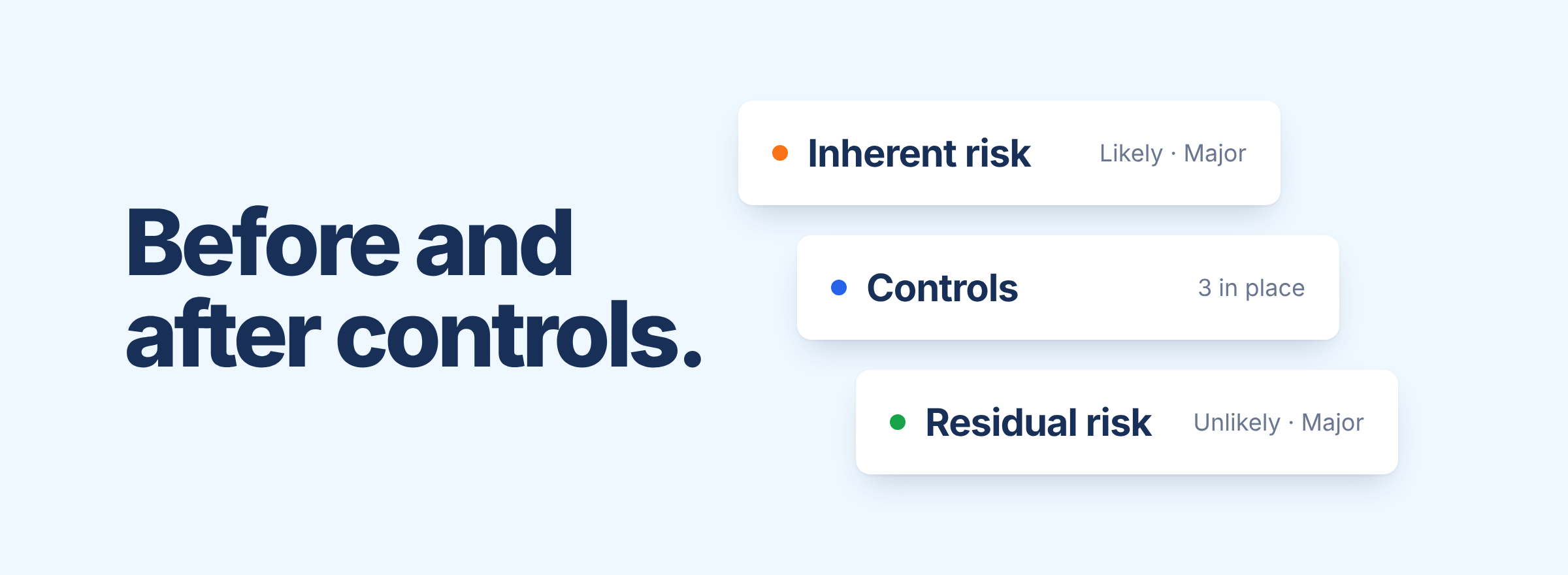
Then you assess it. Likelihood runs from Rare through to Almost Certain. Consequence runs from Insignificant through to Severe. Astalty uses those two answers to calculate an inherent risk rating, which is the risk before anything has been done about it.
Take a participant with a risk around neglect of their dietary needs. You'd record it as a risk to the participant, describe what it looks like day to day, and rate the likelihood and consequence as they stand today. The rating is calculated for you. Nobody has to work it out on a matrix printed on the office wall.
Controls, and what changes once they're in place
A risk on its own isn't much use. What an auditor wants to see is what you're doing about it.
Under each risk, you add the controls. Meal plans followed and signed off each shift. Staff trained on the participant's dietary requirements. A weekly check-in with the family. You can add as many as you need.
Then you set the residual likelihood: how likely the risk is with all of those controls in place. Astalty calculates the residual rating from that, so you can see the risk before and after your controls side by side.
One detail worth knowing: controls change the likelihood, not the consequence. If something goes wrong, it's still just as serious. Controls just make it less likely to happen. That's how risk assessment is meant to work, and Astalty is set up so you can't accidentally fudge it.
At the top of the Risks page, the participant's risks are plotted on two matrices, inherent and residual, with likelihood against consequence. You can see at a glance where that person's risk sits, and sort or filter their risks by inherent rating, residual rating or next review date.
Reviews that don't depend on someone remembering
This is where most risk registers fall over. The assessment gets done at intake, and it's not looked at again until something happens.
In Astalty, every risk has a review frequency, so every risk has a next review date. When a review is due, you open the risk, tick Mark this risk as reviewed, set the review date and save. Every review and every edit is kept in the risk's audit trail, so you can show exactly when it was reviewed and what changed.
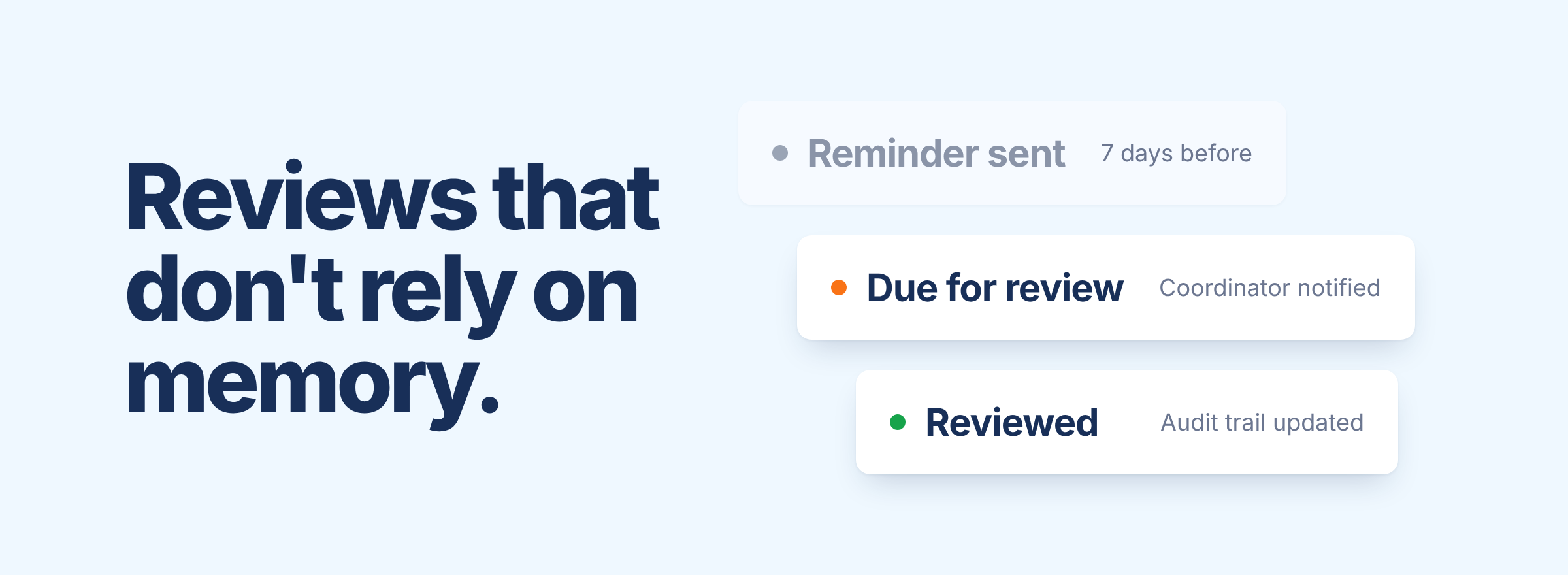
You don't have to rely on someone checking dates either. The Participant Risk Review notification lets you set reminders before, on or after the due date, in-app and by email. By default it goes to the participant's Primary Coordinator and the coordinator of each service on their current plan, and you can add other user groups or individual users. You can stack several reminders, say a week before and three days after. Anything past due comes through as "Risk overdue for review", with how long ago it was due.
When a risk isn't relevant anymore, you archive it instead of deleting it. It drops out of the day-to-day view and out of reports and exports, but the record and its audit trail stay. If you need it back, you unarchive it.
What your support workers actually see
The people who need a risk most are the ones on shift with the participant.
Risks are hidden from support workers by default. When a risk could affect direct support, you tick Visible to Support Workers, and it shows up on the participant's details in the Support Worker App. The worker can open it and see the likelihood, the consequence and the controls in place.
So the support worker walking in for an afternoon shift doesn't need to have read a 20-page risk assessment from six months ago. They can see what matters for that person, on their phone, before they start.
Seeing risk across every participant
Managing risk one participant at a time is fine until you've got 40 participants and an audit coming up.
The Participant Risks Report pulls every active risk across your participants into one place. It shows the same inherent and residual matrices, but across your whole business, with a count in each cell. You can filter by residual risk (Low, Moderate, High or Catastrophic), by review status (overdue, due this month, due next month), and by Primary Coordinator. Expand a row and you see the controls without opening anything.
There's also a Participants Without Risks Report, which shows anyone who doesn't have a risk recorded. That one tends to be more useful than people expect.
For an auditor, a plan manager or a family meeting, you can export a participant's risks as a PDF. You choose which risks to include, and the export carries the participant's name and NDIS number, your organisation name and NDIS provider number, and a glossary page explaining how the ratings work. If you need everything in a spreadsheet, the Risks Export gives you that too.
Custom registers for everything else
Participant risks cover one part of compliance. The NDIS Practice Standards expect you to keep track of plenty more.
Astalty's custom registers let you build a register for anything you need to track. A register in Astalty is a form whose submissions become tracked entries. Some common ones:
Conflict of interest register
Continuous improvement register
Emergency drill log
Restrictive practice log
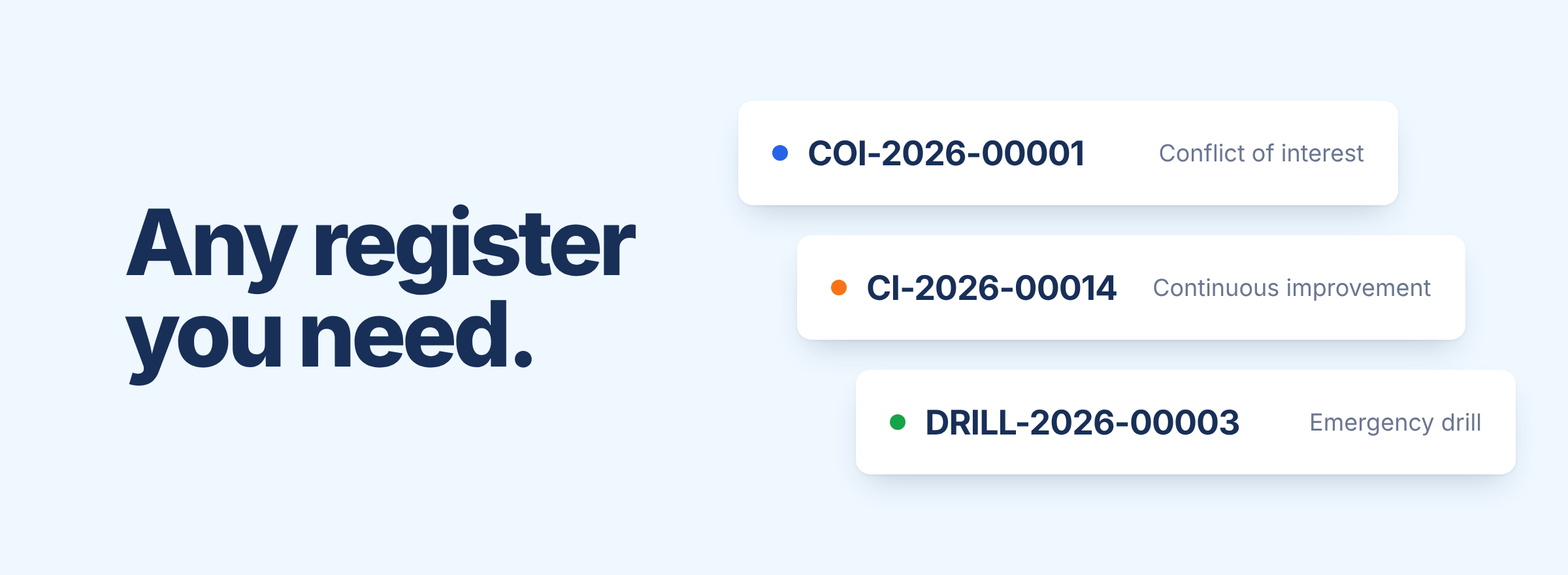
You build the form with the fields you need and give the register a reference prefix. Every entry then gets a numbered reference, like COI-2026-00001, plus a status, an owner, any collaborators, and a next review date if the register uses reviews.
Each register starts with four statuses (New, In Progress, Completed and Cancelled), and you can add your own. New entries go to a default owner, so nothing lands without someone responsible for it. You can set the register to need reviews every so many weeks, fortnights or months, and the owner is reminded when a review falls due, then weekly while it's overdue. Each review is recorded with notes on what was checked, found and done, and builds up a review history on the entry.
Access is set per register. You decide who can view entries and who can update them, so a conflict of interest register can stay with management while a drill log is open to the team.
If you've already been collecting this information through a form in Astalty, you don't have to start again. You can convert an existing form into a register, and every past submission becomes an entry with its original date.
Feedback and complaints, and incidents, already have their own built-in registers in Astalty, so you don't need to build those from scratch.
Action items close the loop
A register entry is only half the job. The other half is what you did about it.
From any register entry, incident or piece of feedback, you can add action items. Each one has a title, details, who it's assigned to and a due date. The assignee gets an in-app notification and an email. Overdue items show how many days they're overdue. If someone moves a due date, Astalty asks for a reason and saves it as a comment, which is exactly the trail an auditor wants to see.
When an action is finished, you record the outcome and attach evidence. The Action Items page shows everything across your registers in one list, filtered by register, status or due date, and you can export all of them to a single CSV.
One honest caveat
Registers, action items, the Participant Risks Report and risk review notifications are all part of Astalty Premium. If you're on a lower plan, you'll need to upgrade to get them.
It's also worth knowing that registers can't be deleted, only archived. That's on purpose. A compliance record that can disappear isn't much of a compliance record.
Where this leaves you
Being audit-ready doesn't mean having a perfect folder the week before your audit. It means every risk has a rating, every control is written down, every review is dated, and you can pull it all up without chasing anyone.
In Astalty, that sits in the same system as your participants, rostering and invoicing. The risk is on the profile. The review reminder goes to the coordinator. The support worker sees the controls on their phone. The conflict of interest register has an owner and a review date. When the auditor asks, you export it.
If you want to see how this would look with your own participants and registers, book a demo with the team.
Frequently asked questions
Which NDIS compliance software includes risk management and audit-ready registers?
Astalty. Each participant has their own risk register with likelihood, consequence, controls, inherent and residual ratings, and scheduled reviews with an audit trail. Custom registers cover anything else you need to track, with numbered references, owners, statuses, review reminders and action items. Registers and action items are part of Astalty Premium.
What NDIS compliance software suits small providers that need simple risk tools?
Astalty suits small providers because risk management sits on the participant's profile, in the same system as rostering, invoicing and case notes. You pick a likelihood and consequence, add controls, and Astalty calculates the ratings and reminds the right people when a review is due.
What should an NDIS risk register include?
Each risk should have a title, who the risk is to, a description, a likelihood and consequence rating, the controls in place, a residual rating after those controls, a review frequency and a record of every review. Astalty captures all of these for each participant risk.
Can I build my own registers in Astalty?
Yes. Any form in Astalty can be set up as a register, such as a conflict of interest, continuous improvement, emergency drill or restrictive practice register. Each entry gets a numbered reference, an owner, a status and an optional review schedule. You can also convert an existing form into a register and keep all its past submissions.
How do I show an auditor our risk reviews?
Every review and edit on a participant risk is saved in its audit trail. You can export a participant's risks as a PDF, with their NDIS number, your provider number and a glossary, or export all risks as a spreadsheet. Register entries keep their own review history with notes.
