
If you're running an NDIS business right now, there's a decent chance your budgets live in a spreadsheet, your roster lives in one app, your invoicing lives in another, and your case notes are scattered somewhere in between.
You're not doing anything wrong. That's just how most providers end up when they piece together generic tools. But it's also why so many providers are drowning in admin, and why so many get caught out by budgets they thought someone else was watching.
In this blog, I want to break down what NDIS provider software should actually be doing for you across three areas: budgets, case notes, and reporting. And why we built Astalty to handle all three in one system.
Software has always struggled with NDIS budgets
Historically, software has done a pretty average job of looking after NDIS budgets, let alone doing it accurately.
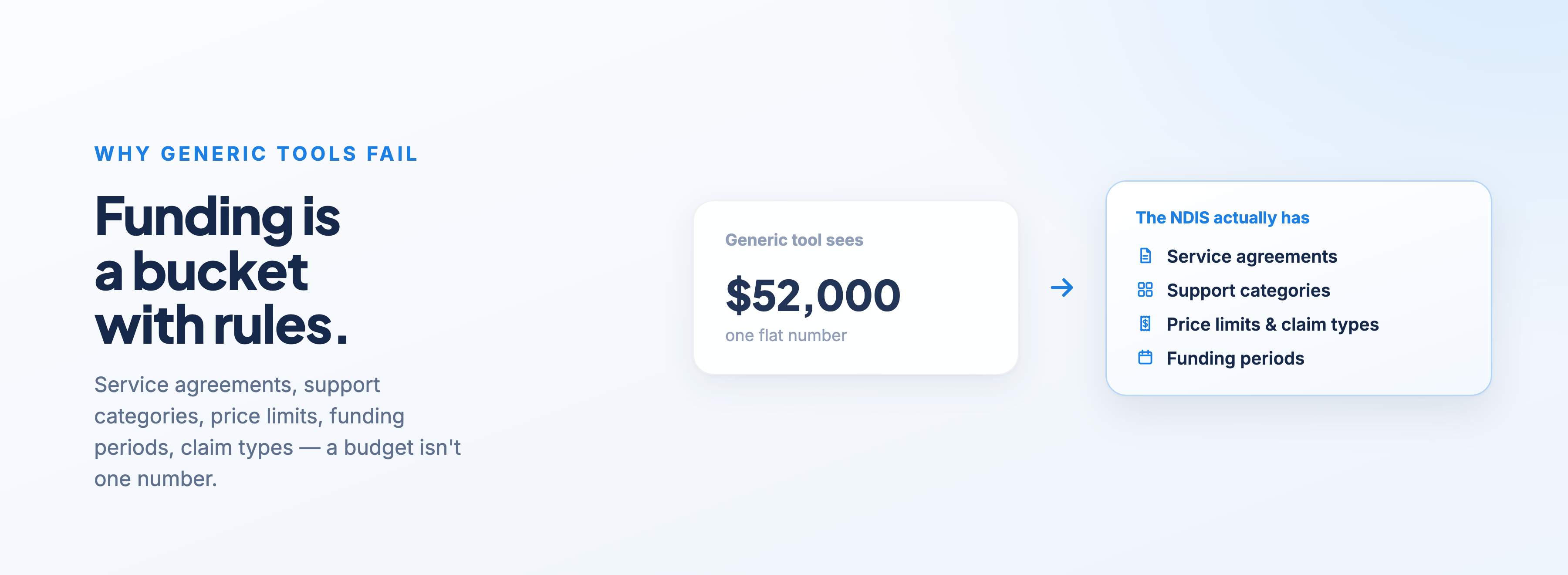
The NDIS doesn't work like a normal business ledger. You've got service agreements, support categories, price limits, funding periods, and claim types. Generic tools treat a budget like a single number. The NDIS treats funding like a bucket with rules around it. Most disability support software was never built to understand those rules.
Then there's the rostering problem. Tools like Deputy and Connecteam are good at what they do, but what they do is rostering. They sit completely separate from your invoicing. Your shifts live in one system, your invoices get built in another, and your budgets sit in a spreadsheet that someone has to remember to update.
Every one of those disconnects creates work. Someone has to export shift data, cross-reference it against what was billed, and manually track what's left in each agreement. For providers trying to reduce admin overload, the tools themselves are often creating it.
You can't outsource your budget risk
Here's the part I feel strongly about.
Providers who want to be here for the long term can't outsource their risk by relying on plan managers and support coordinators to tell them when funding is exhausted.
In my opinion, that's a reckless strategy, and it can hurt your bottom line quickly.
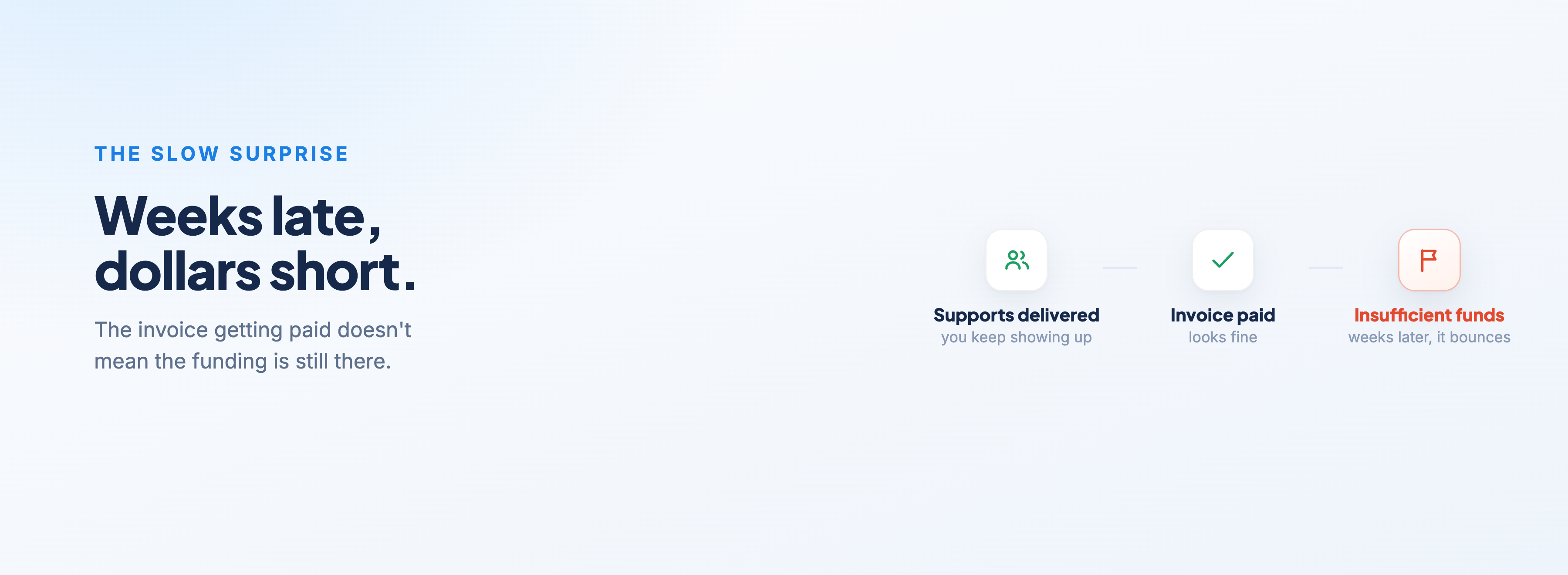
Think about what actually happens. You deliver supports. You invoice. The invoice gets paid, so you assume the funding's there. Then a few weeks later, an invoice bounces back: insufficient funds.
If you've gone weeks providing support without funding available, that could be thousands of dollars off your bottom line. For an established provider, that stings. For a new provider, it can be the difference between running profitably and running at a loss.
I've written about this before in what to do when NDIS funding runs out, but the short version is this: tracking every dollar in a Participant's plan isn't your job. Tracking what you draw down against your own service agreement absolutely is.
What your software should be doing with budgets
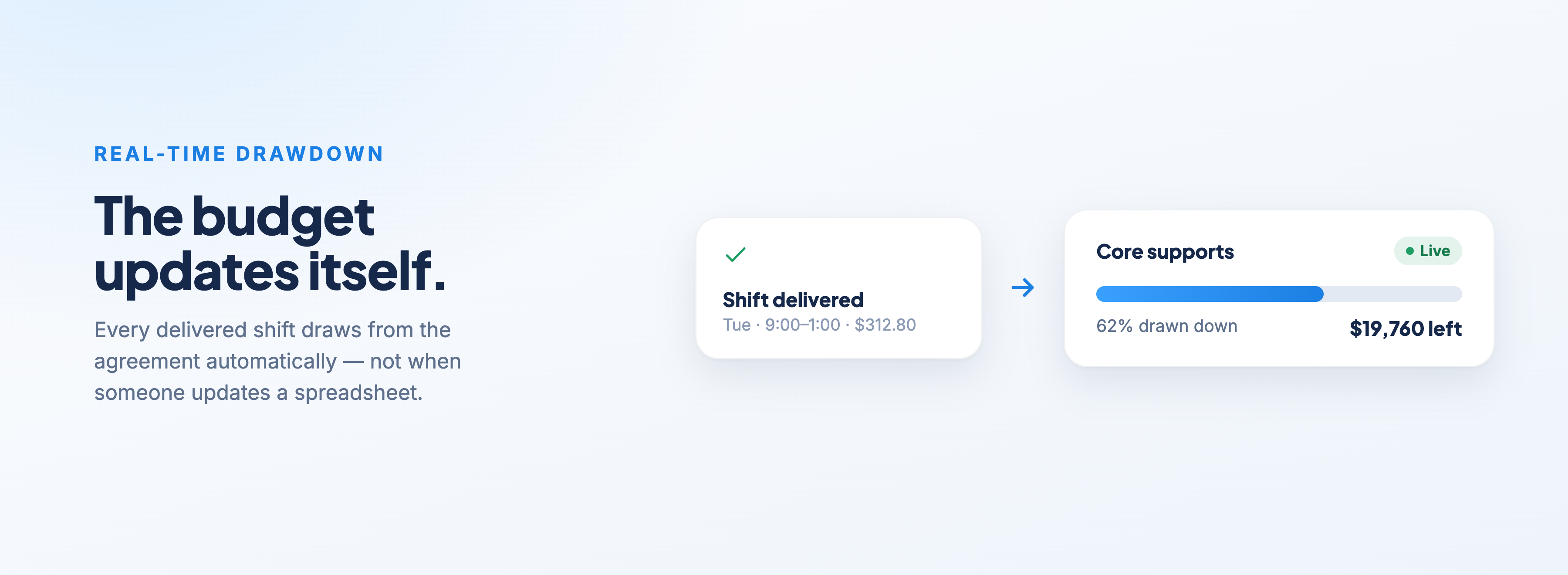
Your software needs to understand how much funding is in your service agreement from day one, and then draw down from that bucket automatically as you deliver services each week.
In real time. Not when someone remembers to update a spreadsheet.
And it should be powerful enough to notify you when:
you're overutilising funding and going to run out before the support period ends
funding is close to being exhausted
a team member is attempting to bill from a support category that isn't in your service agreement and isn't within your scope
That last one matters more than people realise. In Astalty, every Service is set up with a budget amount and a support category, and that category dictates which charge items can be billed against it. Your team simply can't bill against funding that was never part of the agreement.
On the alerts side, Utilisation Notifications let you set thresholds — say 50%, 75%, and 95% and notify the right people when a Participant's service budget hits them. That's NDIS budget management doing its job before the money runs out, not after.
Reporting across your whole business
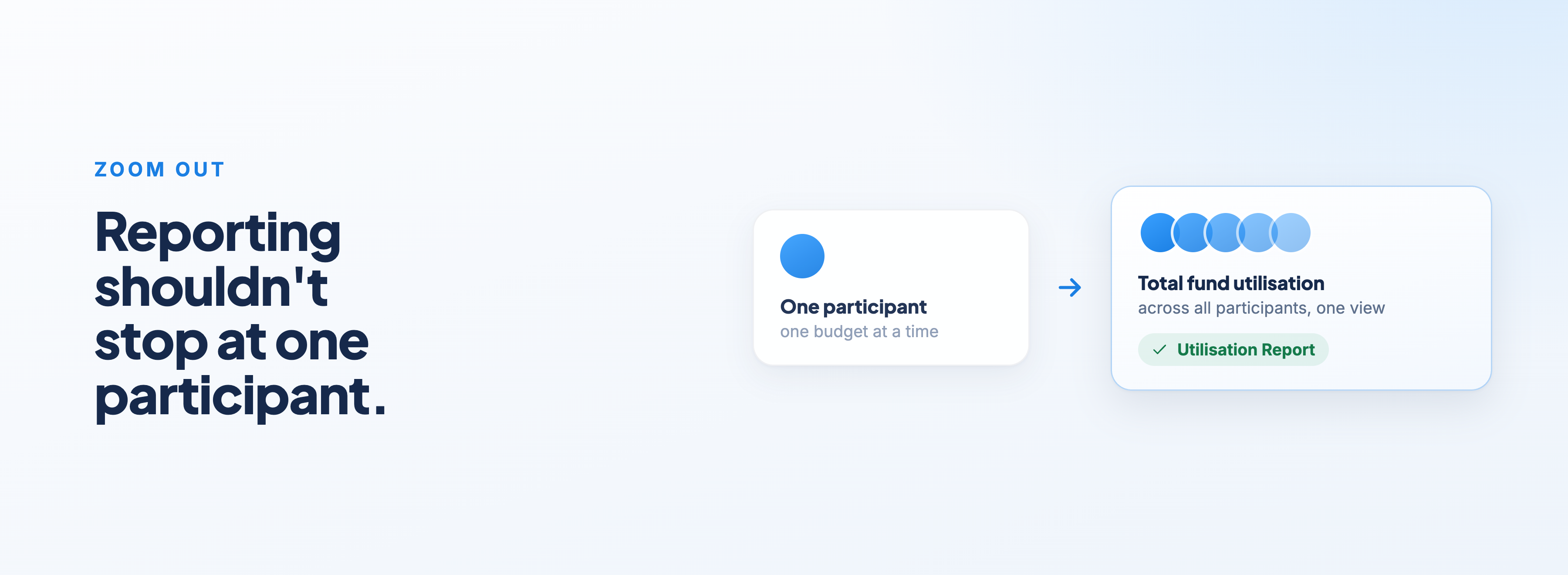
Good NDIS reporting tools shouldn't stop at a single Participant.
You should be able to look at total fund utilisation across all of your Participants in one view.
Astalty's Utilisation Report shows you utilisation and funding remaining across your caseload, along with utilisation variance, so you can spot who's tracking ahead of their funding and who's sitting on unused supports.
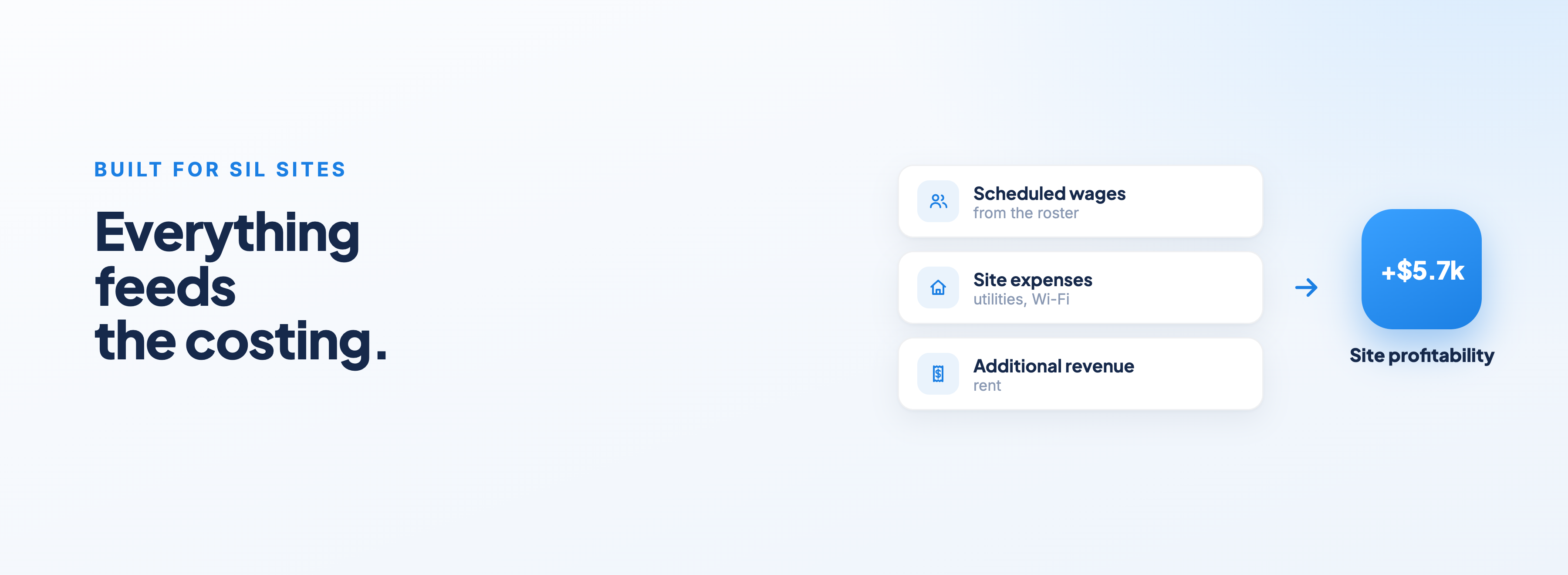
The other side of reporting is profitability. Ideally, your software should alert you to whether you're running profitably, with point-in-time data tracked against real wages.
Scheduling Costs in Astalty shows you the cost of the supports you've scheduled against the revenue they'll generate. If you're running SIL, you can also add site expenses like utilities and Wi-Fi, plus additional revenue like rent, and those feed straight into your costing schedule.
Filter by site and you'll see an average of your profitability that sits very close to your point-in-time profitability for what's going through the house that week. I did a walkthrough of this in the Sites — Costings & Revenue video in the SIL Best Practices playlist in our user guide.
Case notes: prove the support happened
The NDIS is putting more and more pressure on providers to ensure the supports they deliver are documented, and that they have proof the support actually occurred.
That means providers need to be diligent about making sure case notes are done for every shift. If your software makes this hard to track, you're creating extra administrative work for your team, manually sifting through notes and cross-referencing them against shifts, for no good reason.
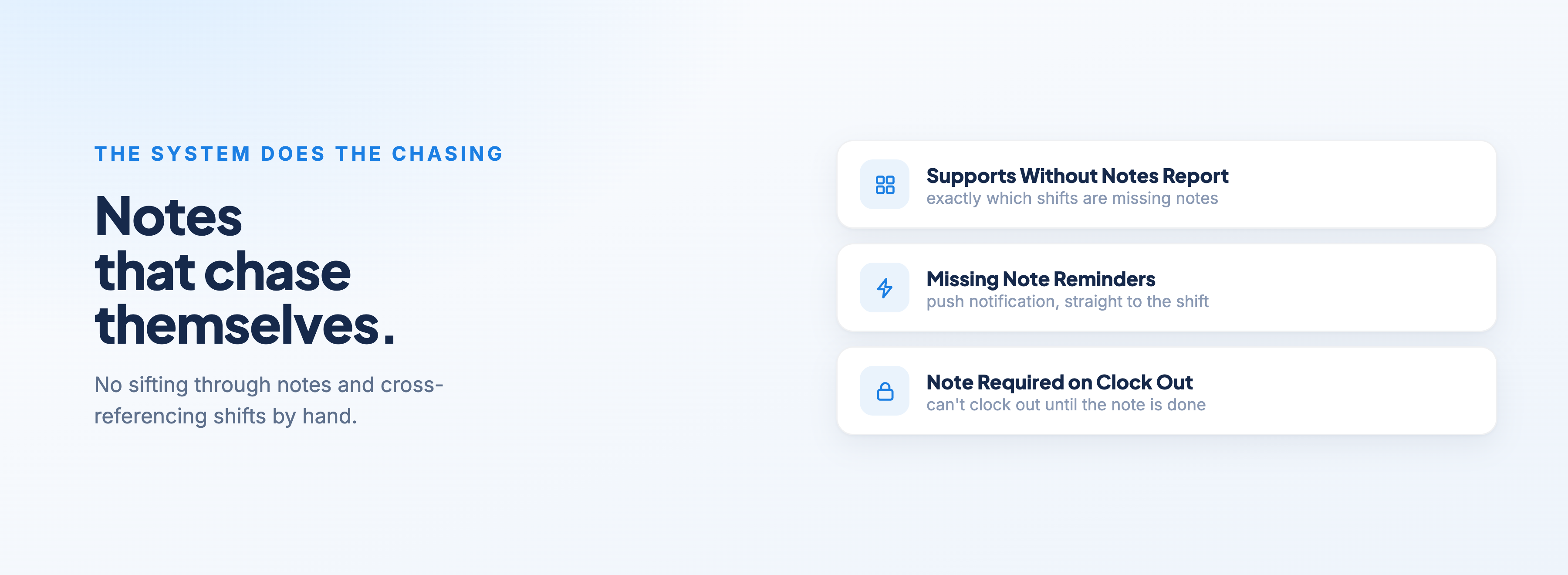
Case note documentation is one of those areas where the system should do the chasing for you. In Astalty, you can:
run the Completed Supports Without Notes Report to see exactly which supports are missing case notes, filtered by support worker, date range, and days since clock out
set up Missing Support Notes Reminders that automatically send a push notification to support workers who have missing notes from the last seven days, and take them straight to the shifts that need actioning
turn on Note Required on Clock Out, so support workers can't clock out of a shift until their case note is complete
That last setting is the one I'd recommend to any provider serious about compliance. The note gets written while the shift is still fresh, and nothing slips through.
One system, not five
This is really the whole argument for purpose-built NDIS practice management: your budgets, your scheduling, your case notes, and your reporting all talking to each other.
When a shift is delivered, the budget draws down. When funding gets tight, you're notified. When a note is missing, the worker gets chased automatically. No exports, no cross-referencing, no hoping the plan manager calls you before the money runs out.
That's what NDIS provider software should look like in 2026, and it's what we've built Astalty Suite to do.
If you want to see how it would work for your business, you can start a free trial or get in touch, happy to walk you through it.
