
Most NDIS client management software was built for providers who deliver shifts. Rostering, timesheets, support worker apps. Support coordination gets bolted on at the end, if it's there at all.
The problem is that support coordination doesn't look like shift work. Your day is phone calls, emails, referrals, reports and chasing providers. It's a caseload of participants who each have a plan that needs implementing, a budget that needs watching and a relationship that needs looking after.
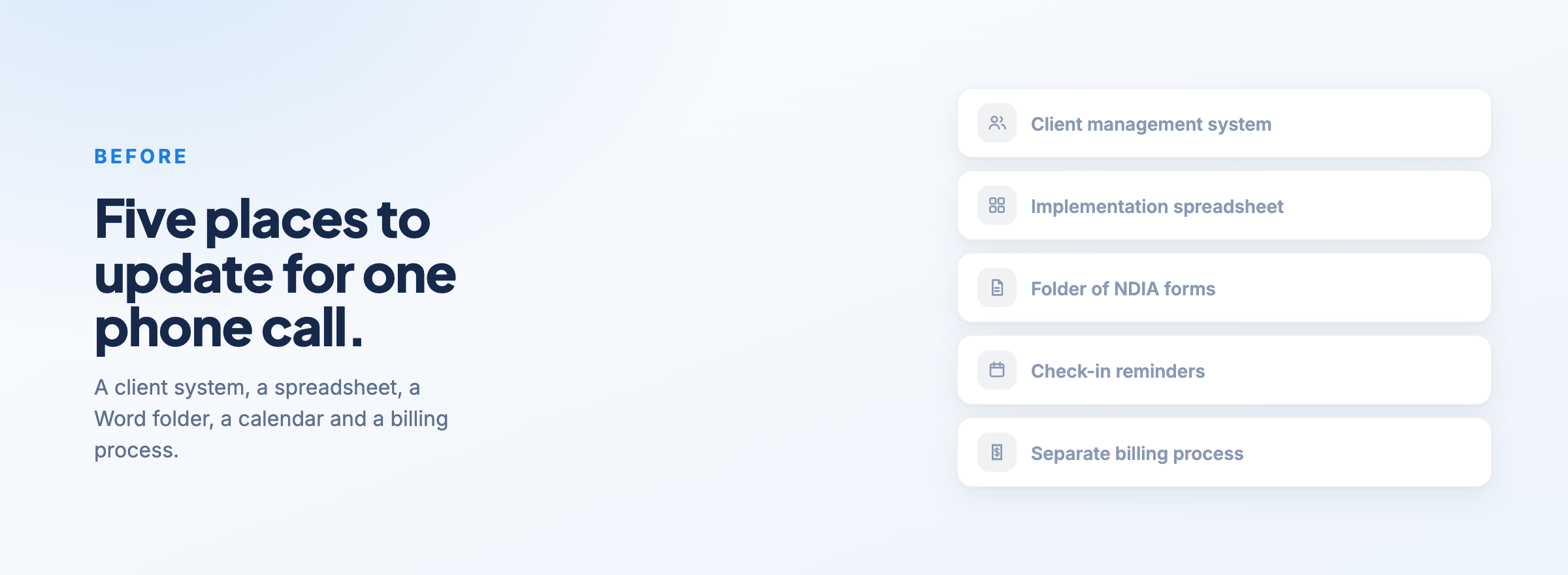
So when coordinators use software that wasn't built for that, they end up with a client management system for the records, a spreadsheet for implementations, a Word folder of NDIA forms, a calendar reminder for check-ins and a separate process for billing. Five places to update for one phone call.
Here's what end-to-end support coordination software should cover, and how Astalty handles it.
One place to work instead of ten open tabs
A coordinator's day jumps between participants constantly. You call one provider about one participant, then get an email about another, then need to log time for a third. If every one of those means opening a different client profile, finding the right section and writing a note, the admin adds up fast.
Astalty's task board puts your whole caseload on one screen. You select the participant, add the task, choose the line item, then add your time and case note and submit. Case notes go in straight from the board without switching screens, and outstanding and overdue tasks are highlighted so nothing sits forgotten.
Because the time and case note are attached to the task, they flow through to billing and reporting. You document as you go, and you're not reconstructing your week from memory on a Friday afternoon.
NDIA forms without retyping the same details
Every coordinator knows the routine. Open the NDIA form, type in the participant's full name, date of birth, NDIS number, email and phone number. Then do it again for the next form. And the next participant.
Astalty has the NDIA templates built in. That includes the NDIS Consent Form, Plan Reassessment Request, Plan Variation Request, Request for a Review of a Decision, the Support Coordinator Progress Report and Implementation Report, the Conflict of Interest Declaration and more.
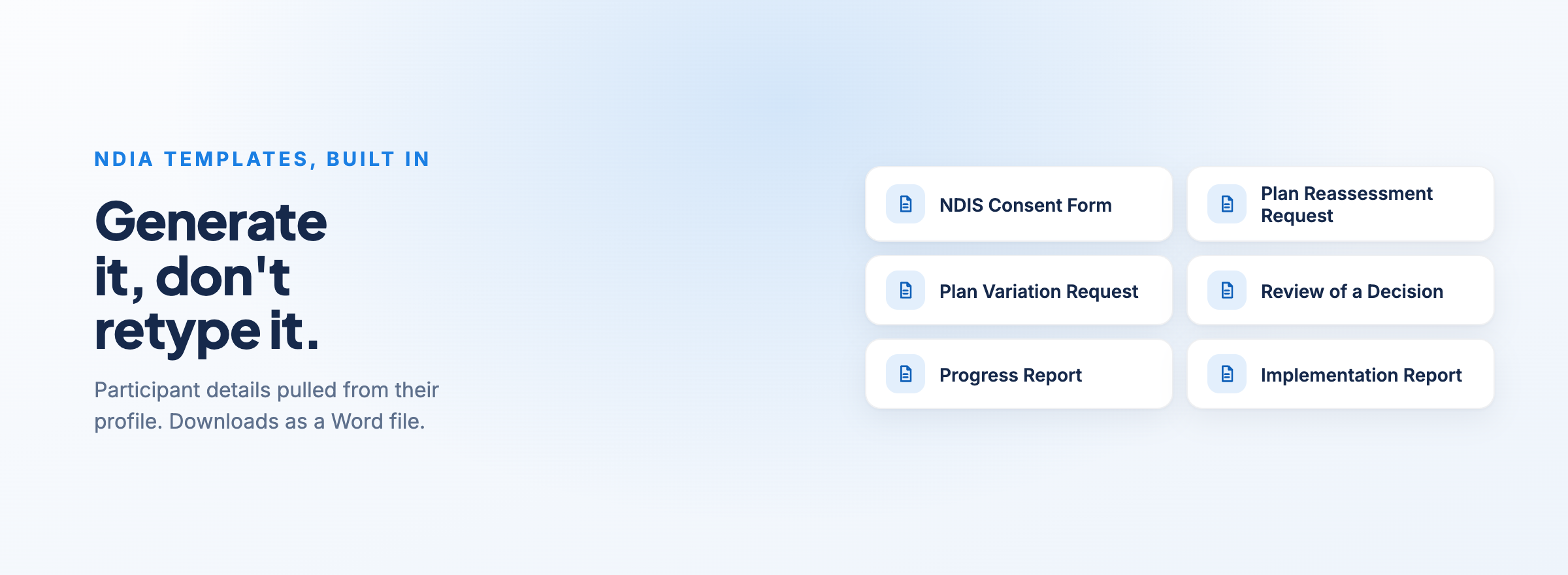
When you generate one, the participant details are pulled from their profile automatically. The Conflict of Interest Declaration even pre-fills with the participant's primary coordinator. You complete the sections that need your input, and the document downloads as a Word file. You can see the full list in the NDIA Templates guide.
Tracking implementations without a spreadsheet
Implementing the participant's plan is the core of the job. And for a lot of coordinators, the record of who's been engaged for what lives in a spreadsheet that only one person fully understands.
In Astalty, you add the participant's NDIS budgets to their plan, then add implementations against each budget. For each one, you record what the support is (say, Occupational Therapy), who's providing it, how much funding has been referred to that provider and how often. The provider can be your own organisation, a third-party organisation, a specific contact or a plan manager. If the participant hasn't chosen a provider yet, you can leave it blank until they do.
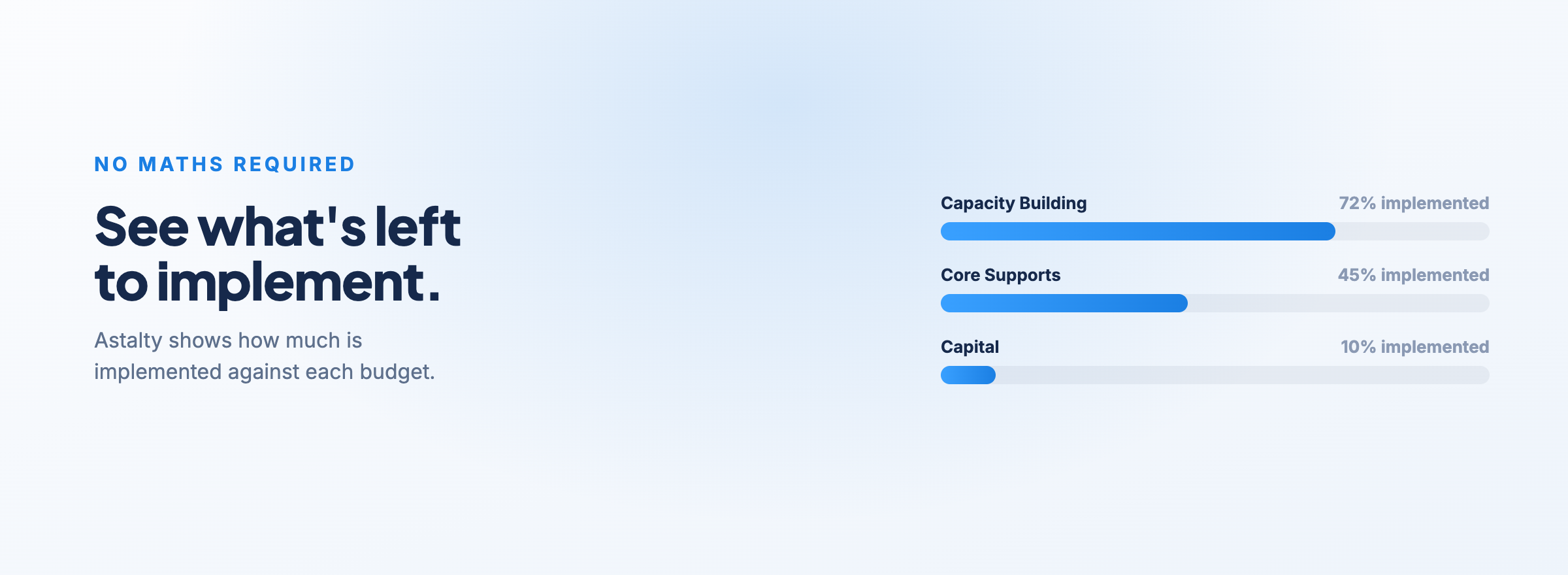
You attach the service agreement to the implementation, so it's stored right where you'd look for it. And Astalty shows how much has been implemented against each budget, so you can see what's still available to implement without doing the maths yourself. The Budgets and Implementations guide walks through it step by step.
One honest note: the implementation amount is a reference point for your team. It doesn't change how the participant's funding is calculated in Astalty.
Knowing when you haven't spoken to someone in a while
When your caseload grows, the participants who get the least attention are usually the ones who aren't making noise. Nothing's wrong, so nobody calls. Then three months go by.
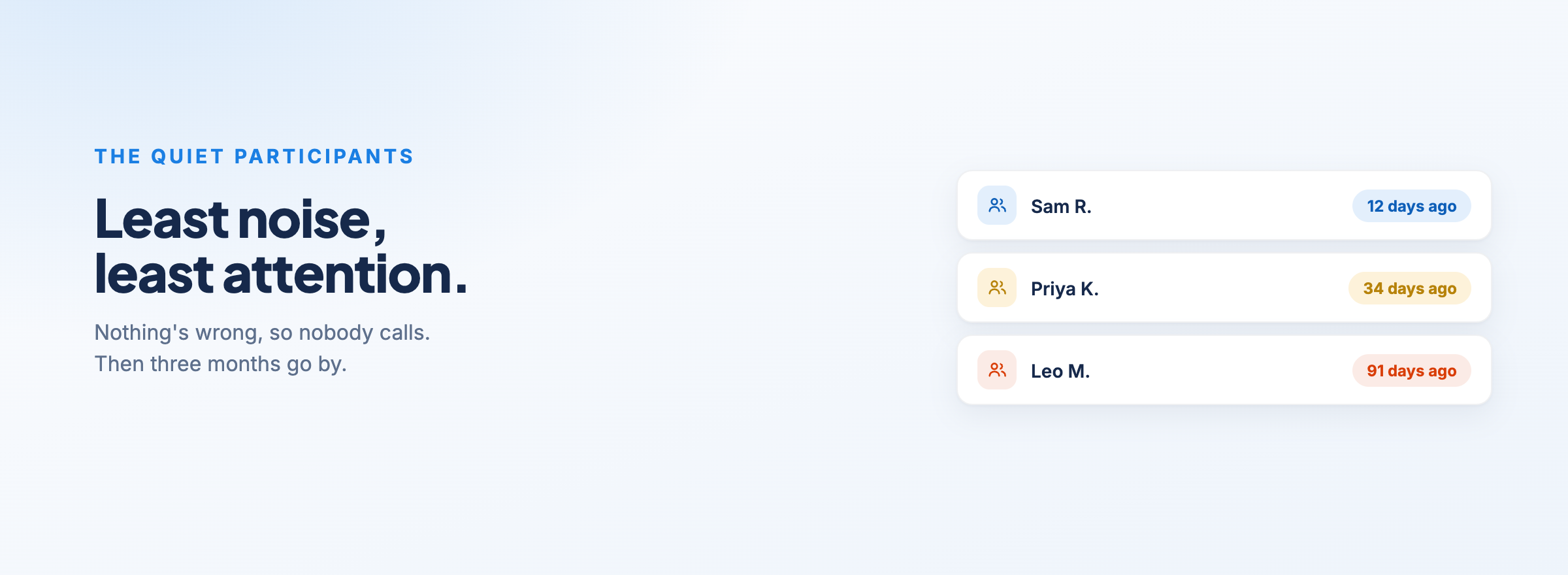
Astalty's participant check-in feature lets you set how often you want to touch base with each participant. When a check-in is coming due, or it's gone overdue by a set number of days, Astalty sends a reminder. It can go to the participant's primary coordinator, their service coordinator, a user group or a specific person, either inside Astalty, by email or both. The Participant Check-in Notifications guide covers the setup.
Each check-in is logged against the participant, so you have a record of every conversation and can see who might need a bit more support.
Seeing where your team's time actually goes
Support coordination margins are tight. When the NDIA released its pricing update in June 2024, it maintained existing price limits for Level 2 and Level 3 support coordination, while wages and running costs kept moving. When the price you can charge stays flat, the only lever left is how much of your team's time is billable.
That makes unbillable time the number to watch. Astalty's Team Billable Hours Report breaks down billable and unbillable time for each team member, day by day, across whatever date range you pick. It also compares billable hours against each person's target and shows the variance.
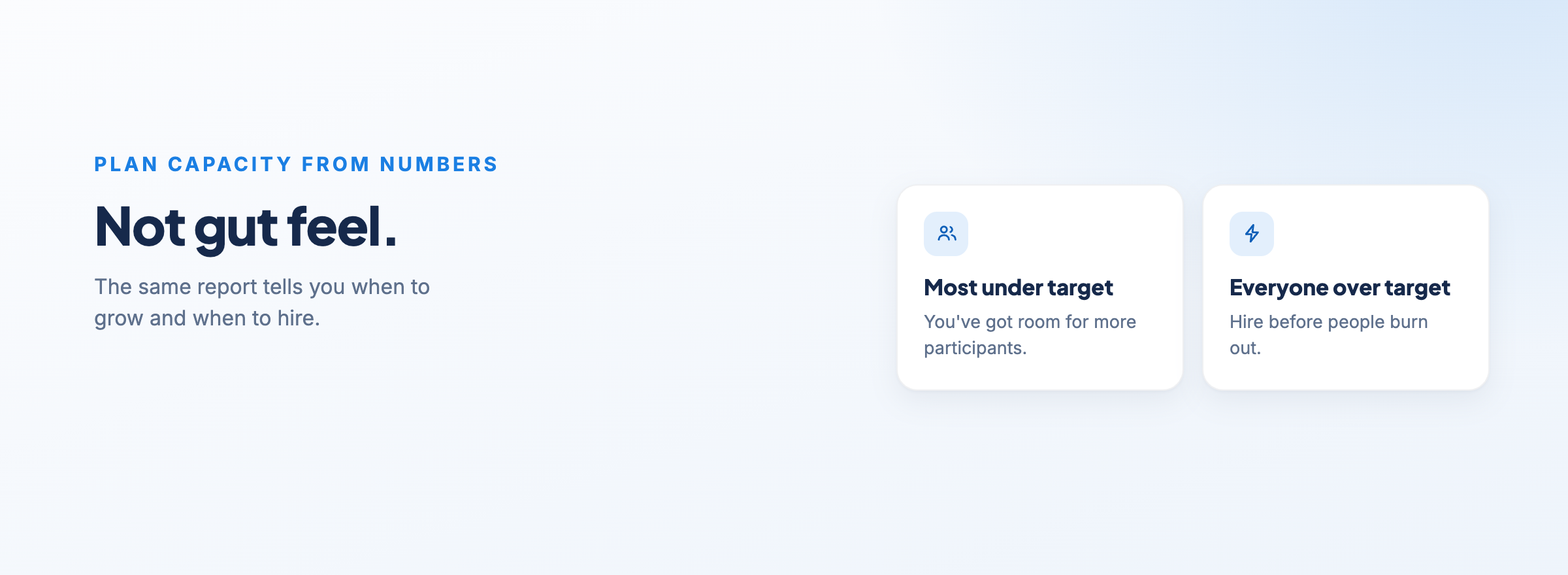
That same report is how you plan capacity as you grow. If most of your coordinators are sitting well under target, you've got room to take on more participants. If everyone's consistently over, it's time to hire before people burn out. You're making that call from numbers, not gut feel.
Paying contractors without a pile of manual invoices
Plenty of support coordination businesses run a contractor model. That usually means collecting invoices from every contractor, checking them against the work they've logged and paying each one.
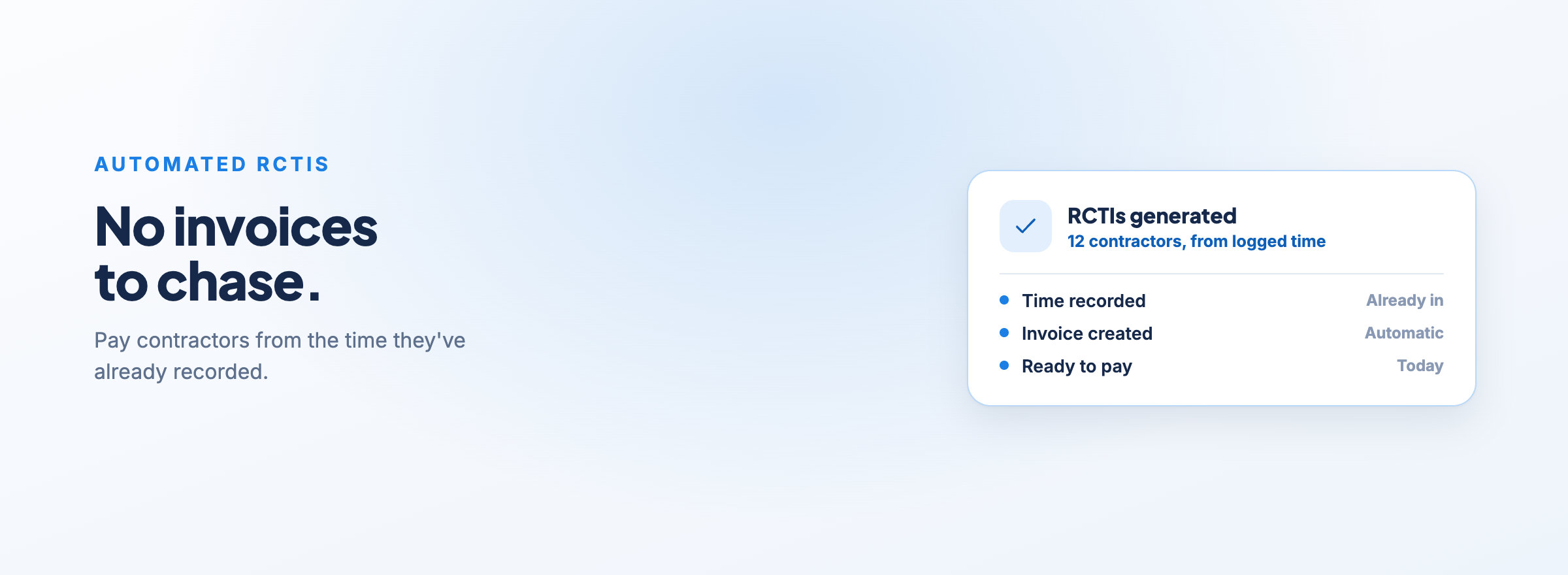
Astalty lets you pay contractors from the time they've already recorded, and automates recipient-created tax invoices (RCTIs) so you're not waiting on, or chasing, invoices from each person.
Compliance and finance in the same system
The last pieces are the ones that usually end up in separate tools.
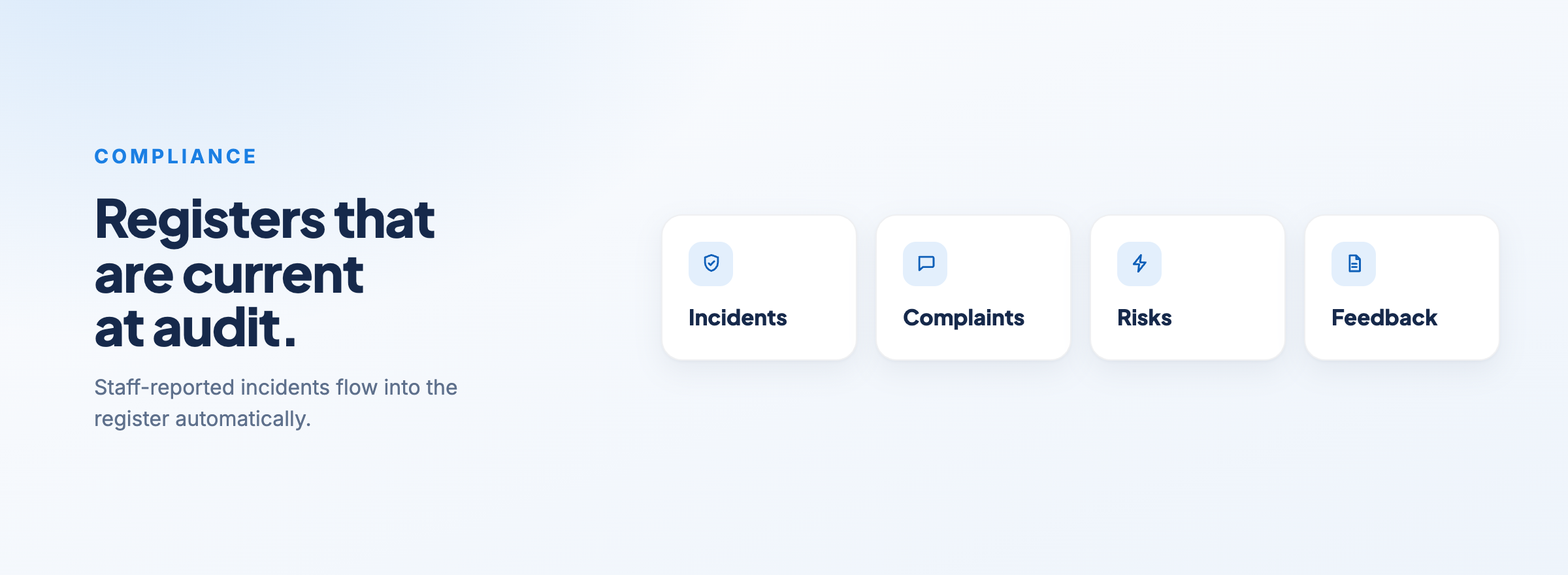
On the compliance side, Astalty has incident, complaint, risk and feedback registers, plus the option to build custom registers based on your own criteria. When staff report an incident, it flows into the incident register automatically, so your registers are current when your audit comes around.
On the finance side, billable tasks go into invoice batches. PDF invoices are emailed straight to plan managers and self-managed participants when you confirm the batch, and for NDIA-managed participants you generate the bulk upload file from the same batch. You can read how that works in how Astalty handles NDIS invoicing. If you use Xero, the integration syncs invoice details and reconciliation status between both platforms.
Where this leaves you
End-to-end support coordination software isn't about having the longest feature list. It's about whether one phone call gets recorded once, and then flows through to the participant's record, the implementation, the invoice and your team's reporting without anyone copying it somewhere else.
If you're currently juggling a client management system, a spreadsheet and a folder of Word templates, that's the test to apply to anything you look at next.
If you want to see how this works for your team, book a demo.
