
Most small NDIS providers manage compliance and risk in spreadsheets: an incident register, a complaints register, a risk register and a worker screening tracker, each updated by hand. That works until the business grows and entries start slipping. The more reliable approach is a register system that captures issues at the source, gives each entry one owner and a review date, and tracks follow-up actions to closure. Astalty does this with Custom Registers and Action Items, built into the same platform as your participants, rostering and invoicing.
A practical guide to running compliance and risk registers that stay current, written for small NDIS providers and the managers who keep them.
Most small providers don't have a compliance manager. They have a director who also does rostering, a team leader who also does intake, and a folder of registers someone set up during the last audit.
That's where NDIS compliance and risk management usually gets stuck. The registers exist. They were built with good intentions. Then the business gets busy, the entries slow down, and by the time the next audit comes around, nobody's sure the registers reflect what actually happened in the last twelve months.
This guide covers what the NDIS Practice Standards ask you to keep, which registers small providers usually run, what a register entry needs in it to be useful, and how to set up a process that keeps everything current without a full-time person chasing it.
What the Practice Standards actually ask for
The NDIS Practice Standards don't hand you a template. They describe systems you need to have in place and leave the format up to you.
Under the Core Module, the Risk management outcome expects "a documented risk management system that effectively manages identified risks." That system is meant to cover incident management, complaints management, financial management, governance, human resources, information management, work health and safety, and emergency and disaster management.
The other outcomes follow the same pattern. Providers need to maintain an incident management system and a complaints management and resolution system. Conflicts of interest need to be "proactively managed and documented." Records of worker pre-employment checks, qualifications and experience need to be kept. A quality management system needs to be in place and reviewed, using feedback, incidents and risk data to drive continuous improvement.
The Commission's guidance on mandatory compliance also makes a point worth reading twice: providers need arrangements that ensure "all incidents (not just reportable incidents) are recorded." The near miss nobody reported to the Commission still belongs in your register.
One caveat on scope. These conditions are attached to registration, so the full set applies to registered providers. Unregistered providers still have obligations to manage incidents and complaints effectively and to follow the NDIS Code of Conduct, so the core habits in this guide apply either way.
The registers small providers usually run
The Standards talk about systems, not spreadsheets. In practice, most small providers end up translating those systems into a handful of registers:
Incident register
Feedback and complaints register
Risk register
Conflict of interest register
Worker screening and training records
Continuous improvement register
Emergency and drill log
Restrictive practice log, if you deliver supports where restrictive practices are in place
You don't need a separate register for everything. A small support coordination business and a SIL provider with three houses will land on different lists. The test is simple: if an auditor asked how you manage this risk, could you open one place and show them?
What a register entry needs to be useful
A register that only records that something happened isn't much use. An auditor wants to see what happened next.
Every entry needs a few things to stand up:
A unique reference, so the entry can be found and cited
A date
A clear description of what happened or what the risk is
An owner, the one person responsible for seeing it through
A status, so anyone can tell at a glance whether it's open or closed
A review date, if the risk is ongoing
The follow-up actions, with who's doing them and by when
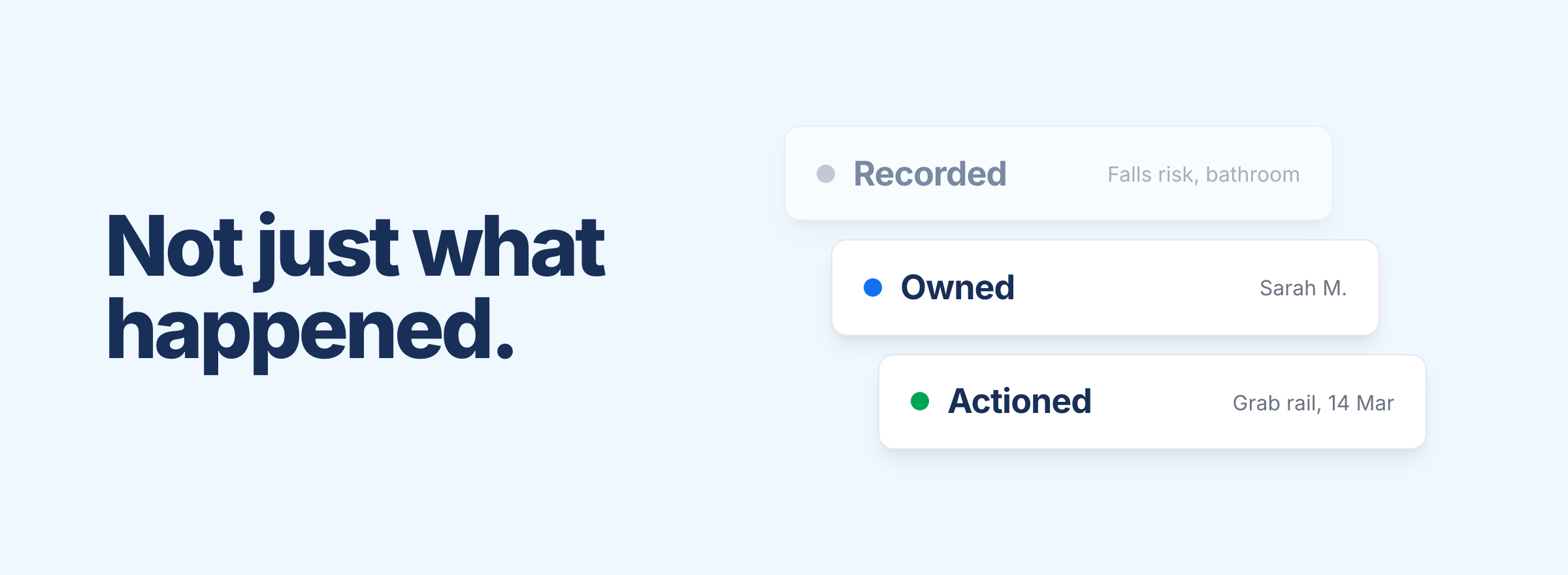
That last part is where most registers fall over. A risk register that lists "participant at risk of falls in the bathroom" with no action, no owner and no review date won't satisfy anyone. It records the worry and stops there.
Why manual registers drift
We've written about this in more detail in 5 Reasons NDIS Compliance Registers Fall Out of Date, but the short version is this.
A spreadsheet only updates when someone remembers to open it. Recording one incident often means a support worker writes it up in one place, a manager reads it, then retypes the relevant parts into a separate register. Nothing reminds anyone when a review is due. And a spreadsheet has no idea what's supposed to be in it, so entries end up with different fields filled in depending on who wrote them.
People do care. The process just depends on memory, in a business where everyone's already stretched.
A process that keeps registers current
What works is a process with four parts, and none of them rely on memory.
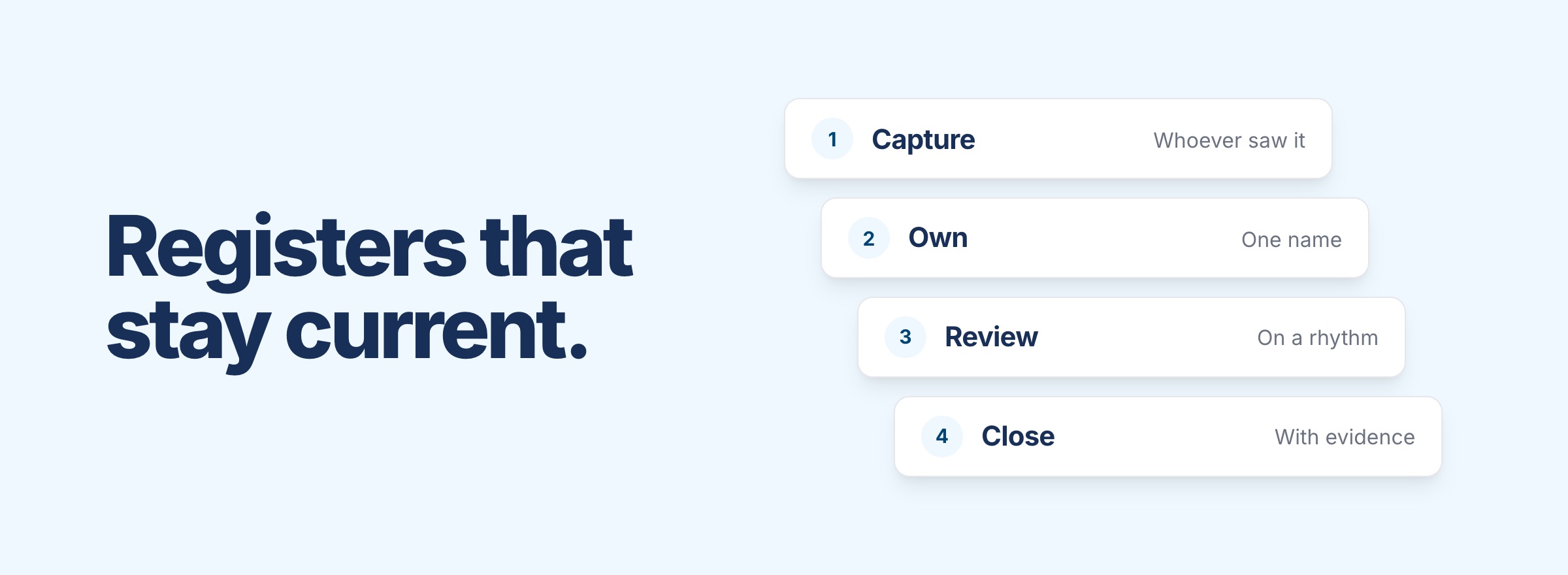
Capture at the source. The entry gets created by the person who saw the issue, at the time, using a form with the right fields. Not retyped by a manager on Friday afternoon.
One owner per entry. Every entry gets assigned to a person. Not a team, not "admin." One name.
A review rhythm. Ongoing risks get a review date, and the owner gets told when it's due. Each review gets recorded with notes on what was checked and what changed.
Actions tracked to closure. Follow-up actions get an assignee and a due date, and they show as overdue when they slip. Closing an entry means the actions are done, with evidence attached where it matters.
If those four things happen without someone having to remember them, your registers stay current on their own.
Which NDIS compliance software includes risk management and audit-ready registers?
Astalty does. Custom Registers give every entry an auto-numbered reference, a default owner, a review schedule with notifications and a full review history. Action Items track each follow-up by assignee and due date, show what's overdue, and export to CSV when an auditor asks for evidence.
Astalty already had built-in registers for incidents, feedback and complaints, and referrals. Custom Registers extends the same structure to anything else you need to track.
An admin creates a register by building a form and setting its Form Usage to Register, or by clicking New Register. Each register gets a reference prefix, so your conflict of interest register might use COI, and every entry is numbered automatically, like COI-2026-00001. If you've already been collecting this information through an existing general form, you can convert it to a register. Every past submission becomes an entry, oldest first, with its original date kept.
From there, every form submission becomes a register entry with a reference, status, owner, collaborators and, if the register uses reviews, a next review date. New entries start with the default status and owner you've set, so nobody has to remember to assign them.
Reviews can be set weekly, fortnightly or monthly. When a review falls due, the owner gets an in-app and email notification on the day, then weekly while it stays overdue. Marking an entry as reviewed records the review notes and the date, and each review is kept in the entry's review history, newest first. That history is the thing an auditor actually wants to see.
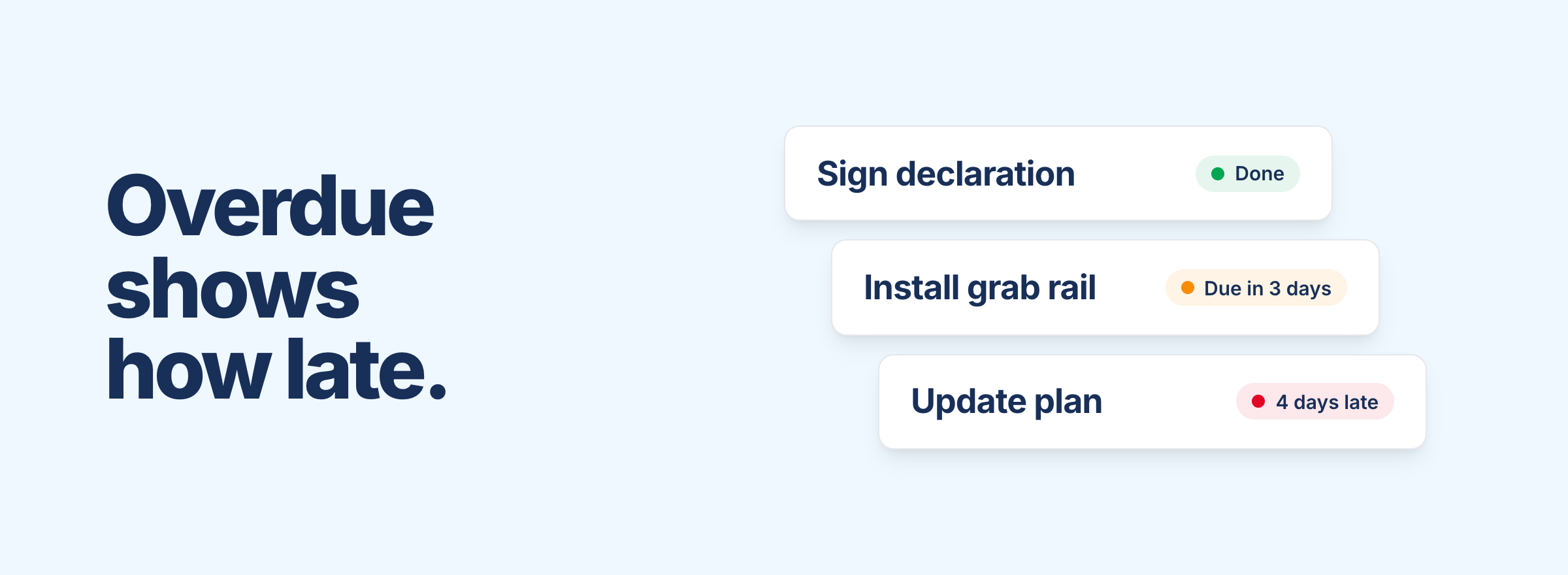
Follow-up work sits in Action Items. On any incident, complaint, referral or register entry, you can add actions with a title, details, assignee and due date, several at a time if you need to. Assignees can update, comment on, attach evidence to and complete their action without needing edit access to the original record. If someone moves a due date, Astalty asks for a reason and adds it to the comments. Overdue actions show how many days late they are, and the Action Items page lets you filter everything across every register by status and due date.
Access is set per register, with separate Can View and Can Update lists, so a conflict of interest register isn't visible to everyone who can see the incident register.
One honest caveat: Custom Registers and Action Items are part of the Astalty Premium plan. If you're on Professional or Lite, you'll still have the built-in incident and feedback registers, but not custom ones.
What being audit-ready looks like
When an auditor opens your registers, they're checking a few things. Are the entries recent and consistent with what's been happening in the business? Does each entry have an owner? Were the follow-up actions completed, and is there evidence? Were ongoing risks reviewed when they were meant to be?
If your registers run on the process above, you can answer all of that from the registers themselves. In Astalty, you can also export every action item across your incident, feedback, referral and custom registers to a single CSV, filtered to particular registers, statuses or overdue items, and hand it straight over.
Where to start
You don't need to rebuild everything this week. Pick the register that's currently in the worst shape, usually risk or continuous improvement, and set it up properly: a form with the right fields, a default owner, a review cycle, and actions tracked to closure.
Once one register runs without anyone chasing it, the rest follow the same pattern.
If you want to see how Custom Registers would work for your business, book a demo and we'll walk you through it.
Frequently Asked Questions
How do small NDIS providers usually track compliance and risk?
Most start with spreadsheets, one per register, updated by hand. As the business grows, entries slip because nothing reminds anyone of reviews or overdue actions. Astalty replaces the spreadsheets with registers that have owners, review schedules and reminders, alongside participants, rostering and invoicing.
Which NDIS compliance software includes risk management and audit-ready registers?
Astalty. Custom Registers include auto-numbered references, default owners, review schedules with notifications and review history, and Action Items track follow-ups to closure with CSV export for audits. These are on the Astalty Premium plan.
What registers does a small NDIS provider need?
Most small providers keep an incident register, a feedback and complaints register, a risk register, a conflict of interest register, a worker screening and training register, a continuous improvement register, an emergency drill register and, where relevant, a restrictive practice register.
What should every NDIS register entry include?
A unique reference, the date, a clear description, one owner, a status, a review date where relevant, and follow-up actions with an assignee and due date. Astalty adds the reference number and owner automatically.
