
Picking new software is the easy part. You sit through a demo, it looks great, and you can see exactly how it'll fix the three things driving you mad about your current setup.
Then you have to implement it.
An NDIS client management system sits right in the middle of your business. It touches your plans, your rosters, your claims, your payroll and every support worker on your team. So when implementation goes badly, it doesn't go badly in one corner. It goes badly everywhere at once.
I ran an NDIS provider for about eight years before building Astalty, and I've now watched a lot of providers go through this from the other side. The same problems come up again and again. Here's what they are, and what to look for before you commit.
You're usually left to train your team yourself
A new system means your entire team has to learn it. Your coordinators, your finance person, your rostering team, and every support worker who'll be clocking in and writing case notes on their phone.
A lot of software providers don't give you much to work with here. There might be no video guides, no written documentation that matches what's on screen, and no customer success team to walk you through it. Or there is a team, but it's so stretched that nobody can sit with you and get you set up properly.
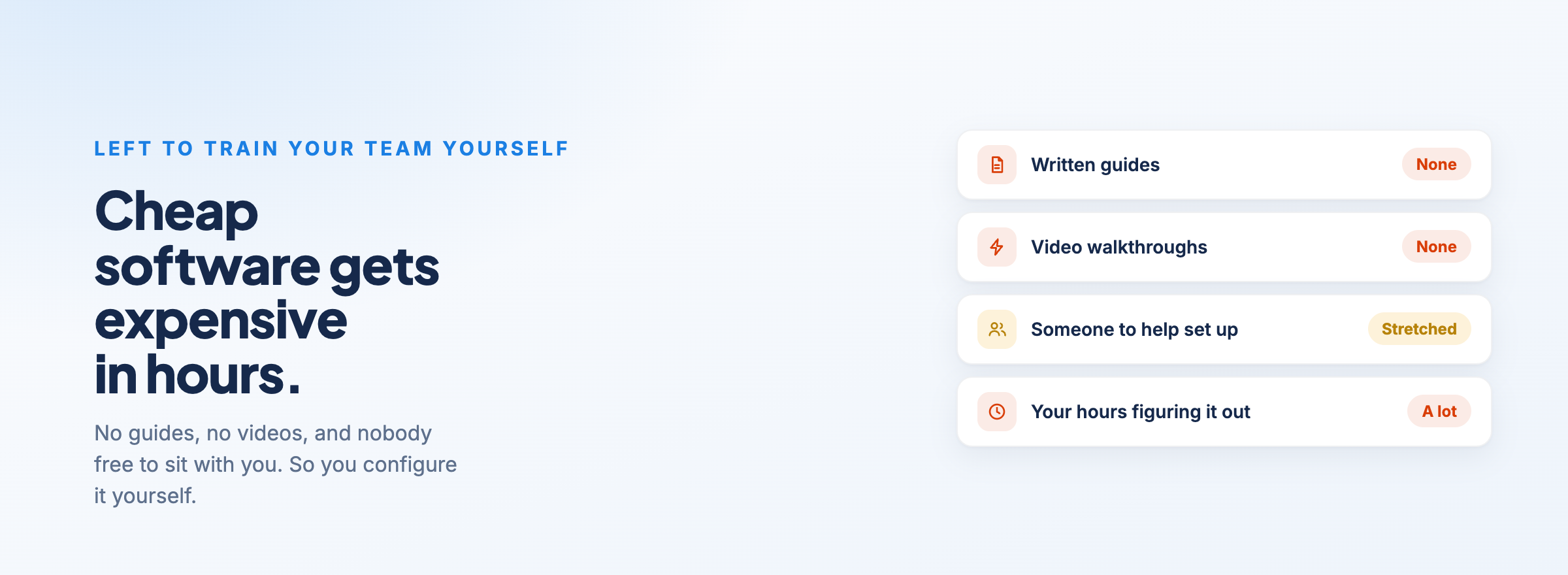
So you end up configuring it yourself. And NDIS software is complicated, because the NDIS is complicated. If you don't have much technical capability in-house, that's a hard thing to figure out on your own.
This is where cheap software gets expensive. You might find a platform for under $10 a month, often built overseas, and it looks like a no-brainer. But if it wasn't built for the NDIS and there's no one to help when you get stuck, you pay for that saving in hours.
At Astalty, every feature has a matching user guide article that breaks down exactly how it works. We know some people would rather watch than read, so for the more technical features we do both. When you're onboarding, you've got:
written guides
videos
playlists that link related features together
courses you can share with your team
certificates on completion
That last one matters more than it sounds. Say you're rolling out the support worker app. You send the course to your whole team, ask them to complete it, and have them send back their certificate. Now you know that everyone has, at the bare minimum, done the training before their first shift on the new system.
You can see what's currently available in the Astalty training guide.
The NDIS is complex, and your software inherits all of it
There's a good reason software is trying to do more these days. Running five different systems that don't talk to each other is everyone's headache.
But the more a platform does, the more NDIS complexity it has to carry. Think about what a single participant involves: their NDIS plan, the funding periods inside that plan, a service agreement, the budgets allocated against it, the claims you make, and the SCHADS Award rules that decide what your staff get paid for the shift that generated the claim. Then add your accounting software on top.
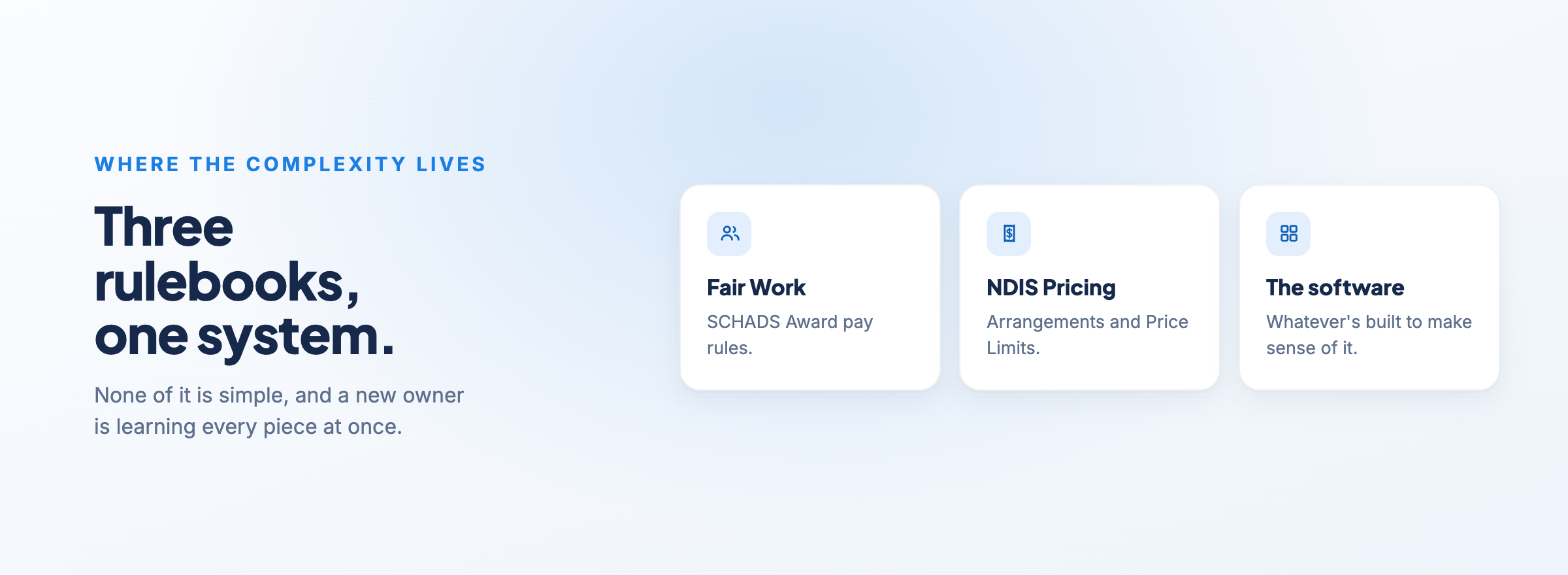
All of that sits at the intersection of Fair Work, the NDIS Pricing Arrangements and Price Limits, and whatever the software provider has built to make sense of it. None of it is simple.
If you're a new business owner, you're trying to get your head around every one of those pieces for the first time, while also learning a new platform and moving your data into it. That's a lot to take on at once. It's worth asking any provider you're considering how they'll help you understand the NDIS side of the setup, not just which buttons to click.
Getting your data from point A to point B
If you've been operating for a few years, you've got a lot of participant information sitting in your current system. Moving it somewhere else is where plenty of implementations slow to a crawl.
The data is rarely as clean as you think it is. Records are incomplete, fields have been used differently by different people over the years, and the old system structures things in a way the new one doesn't. And most providers don't have the staff to manually re-enter hundreds of participants, contacts and case notes.
Because this is sensitive participant information, you also want to know exactly how it's being handled on the way across and who can access it once it lands.
When you're comparing platforms, ask what help they offer with migration. Do they have an onboarding or migration package, or are you on your own with a spreadsheet template?
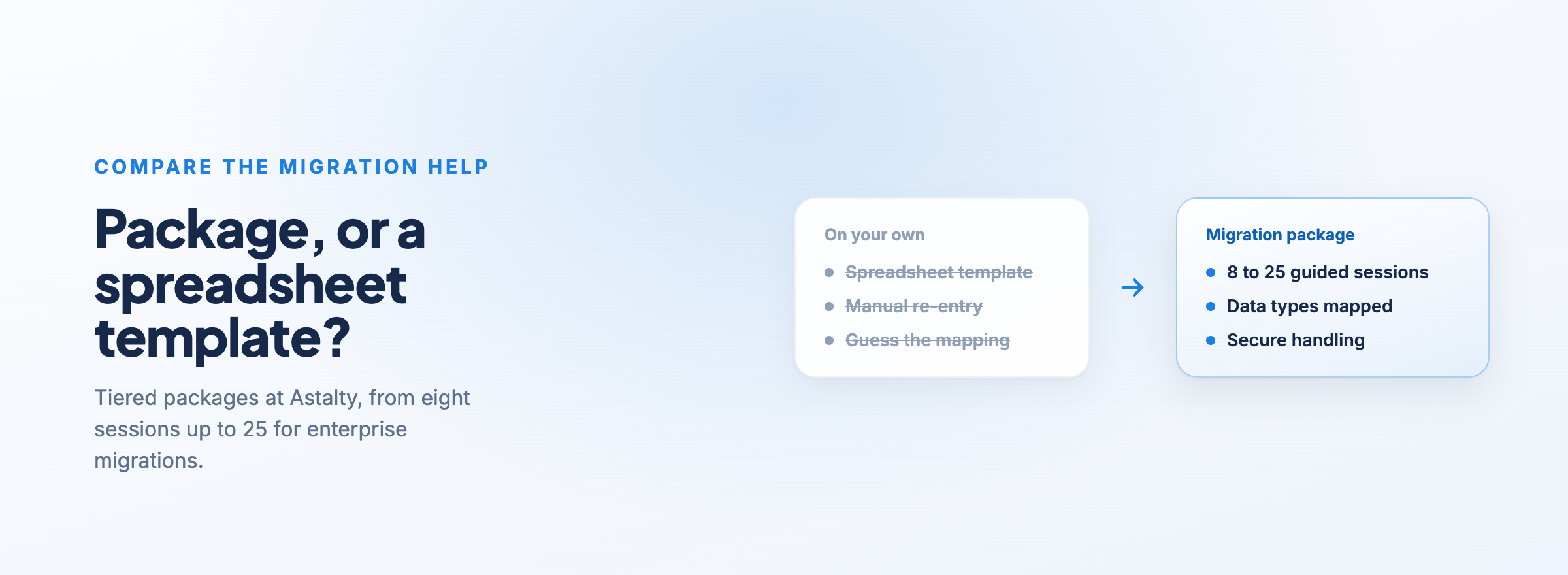
At Astalty, we offer tiered onboarding and migration packages, starting at eight sessions and going up to 25 sessions for enterprise-level migrations. You can see which data types can be brought across in our Transitioning to Astalty guide.
One practical tip from that guide: contact your current software provider early. Some take weeks to hand over the data export you'll need, and you don't want that holding up your go-live date.
Switching disrupts a business that's still running
This is the one people underestimate most. You're not setting up software in a quiet office. You're changing systems while shifts are still being delivered, claims still need to go in and staff still need to be paid.
So you have to work out your cutover. When do you stop using the old system and start using the new one? What happens to the shifts, notes and claims that fall in between? Do you run both systems side by side for a while, and if so, who's keeping them in sync?
Whatever you decide, productivity drops for a period. Your team is managing something new on top of their normal work.
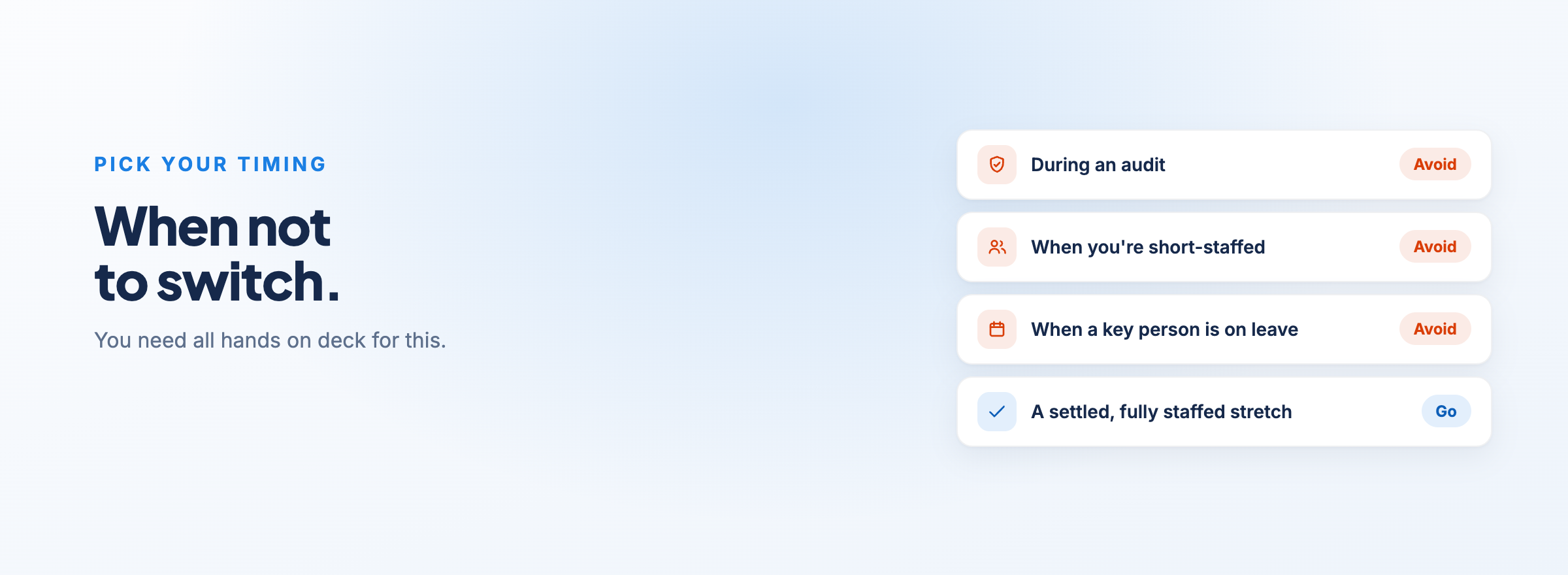
That's why we always recommend picking your timing carefully. Don't do it while you're going through an audit. Don't do it when your team is short-staffed, or when a key person has leave coming up. You need all hands on deck for this.
Pay particular attention to your back office. If you've only got a small admin or finance team, they're the ones expected to keep doing their day job while also carrying the transition. That's a fast track to burnout, and a burnt-out finance person is the last thing you want in the middle of a migration.
Getting your team to actually use it
You can have the right system, perfectly configured, and still have the rollout fail because people don't use it.
Staff resistance is normal. In larger organisations, you'll often find one department that loves the current software. They only see the small slither of it that they use every day, and for them it works fine. What they don't see is how badly it works for everyone else. Getting that department on board takes more than an announcement.
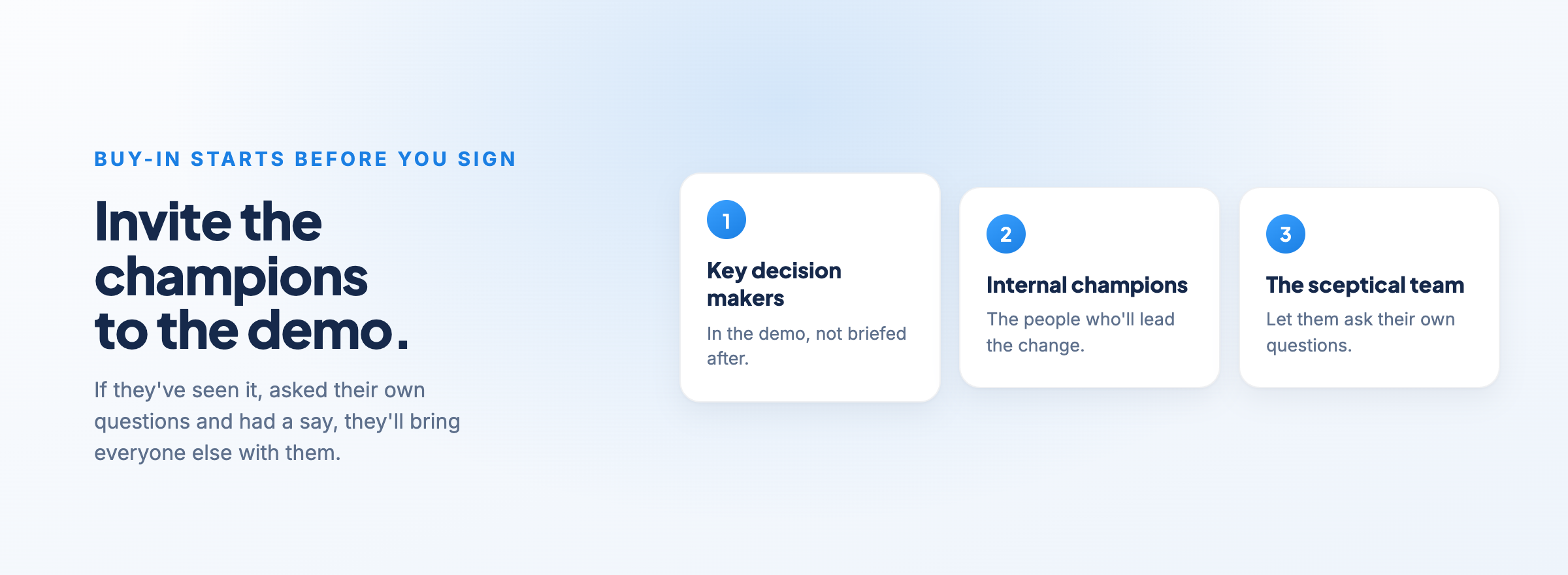
That's why buy-in has to start before you sign anything. If you're sitting through software demonstrations, invite the key decision makers and the people who'll be championing the change internally. If they've seen it, asked their own questions and had a say, they'll help bring everyone else with them.
When a system adds friction to someone's day, they find a workaround. A case note ends up in a text message. A roster change lives in someone's notebook. Once that starts, your new system is only as accurate as the people who bothered to use it.
The rules keep changing underneath you
Even once you're up and running, the NDIS doesn't stand still. When the NDIA changes how something works, your software provider has to change with it, often fast.
Funding periods are a good example. From 19 May 2025, the NDIA started introducing three-month funding periods for new and reassessed plans, instead of releasing the funding all at once. That changes how providers need to track what's available to spend against a participant's plan.
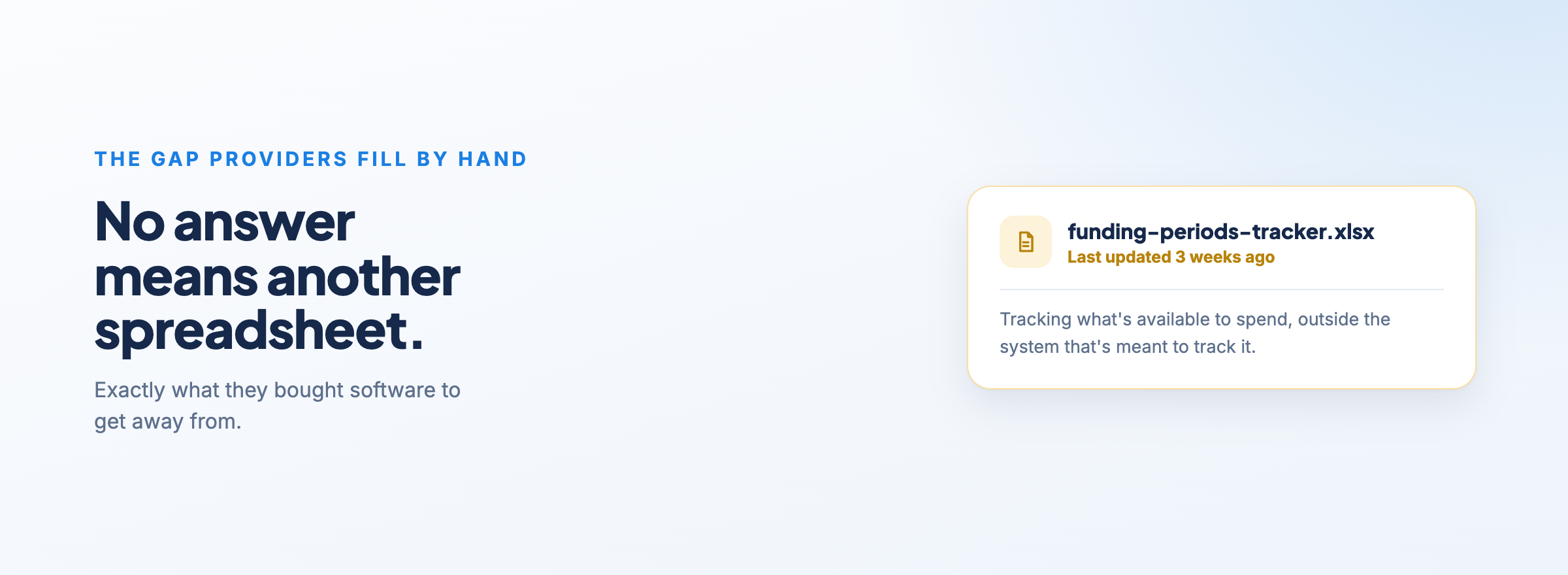
A lot of platforms still don't have a proper answer for this. So providers fill the gap with spreadsheets and workarounds, which is exactly what they bought software to get away from.
We pride ourselves on shipping fast at Astalty. We had funding periods built and live within a week of the change being announced. When you're choosing a platform, look at how quickly they've responded to past changes. It's the best predictor of how they'll handle the next one.
Where to start
Most of these problems come down to the same thing: implementation isn't a software project, it's a business change project that happens to involve software.
The biggest trap I see is trying to copy your existing processes straight into the new system. If a process was clunky in the old platform, it'll be clunky in the new one too. Use the switch as a chance to simplify and standardise how you do things first, then set the system up around that.
Pick your timing, get the right people in the room early, and choose a provider that'll actually help you through the migration and training rather than leaving you to it.
If you want to see how Astalty handles onboarding and migration, book a demo.
