
Every fortnight, the same job lands on someone's desk. The shifts have been worked, the timesheets need checking, and all of it has to end up in payroll so your team gets paid correctly and on time.
If your rostering system and your payroll system don't talk to each other, that job is done by hand. And in a SCHADS business, with weekend rates, sleepovers, broken shifts and travel, doing it by hand is where mistakes creep in.
The Astalty and PayCat integration connects the two. Here's how it works in practice.
What payroll looks like without an integration
Without an integration, there are really only two ways to get hours into payroll.
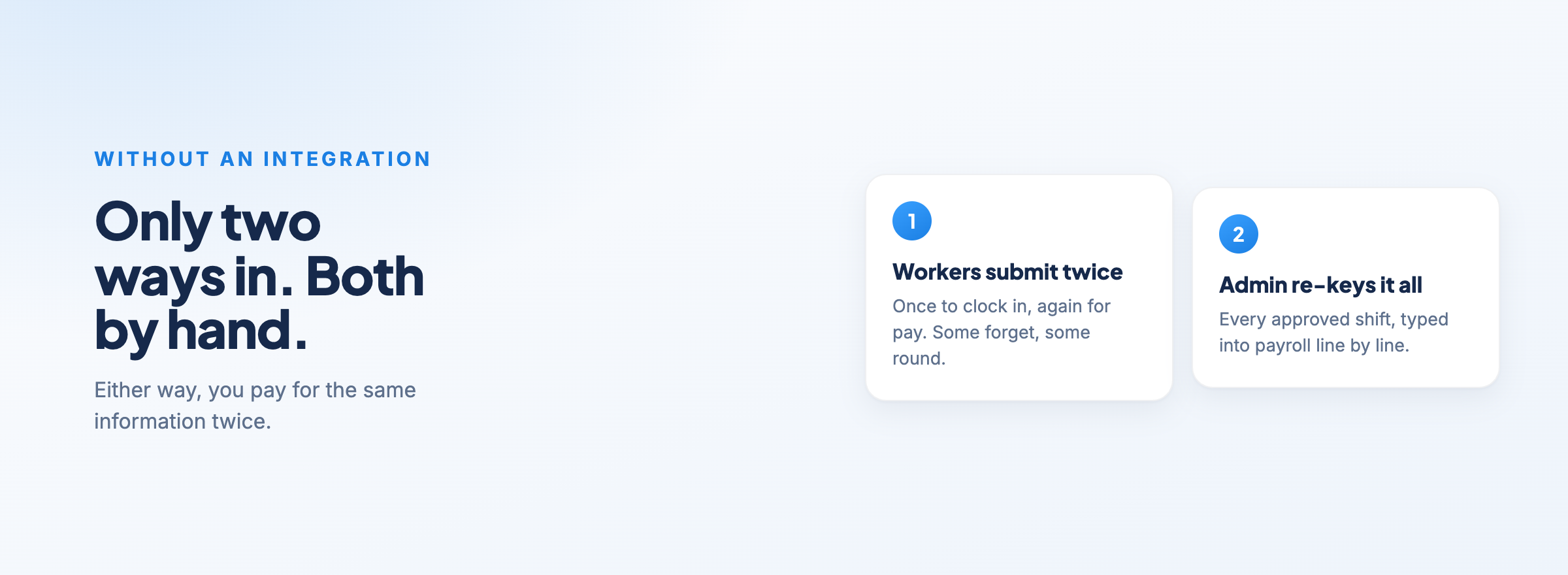
The first is that your support workers submit their timesheets separately in the payroll system. That means they're recording the same shift twice: once when they clock in and out in your rostering software, and again for pay. Some will forget. Some will round. And someone still has to check the two against each other.
The second is that someone in your admin team re-keys it all. They pull up every approved shift and type the hours, work types and locations into payroll one line at a time. As your team grows, that turns into hours of data entry every pay cycle. And every time they type a number, there's a chance they type it wrong.
Either way, you're paying for the same information twice, and taking on the risk that the two versions don't match.
How the integration works
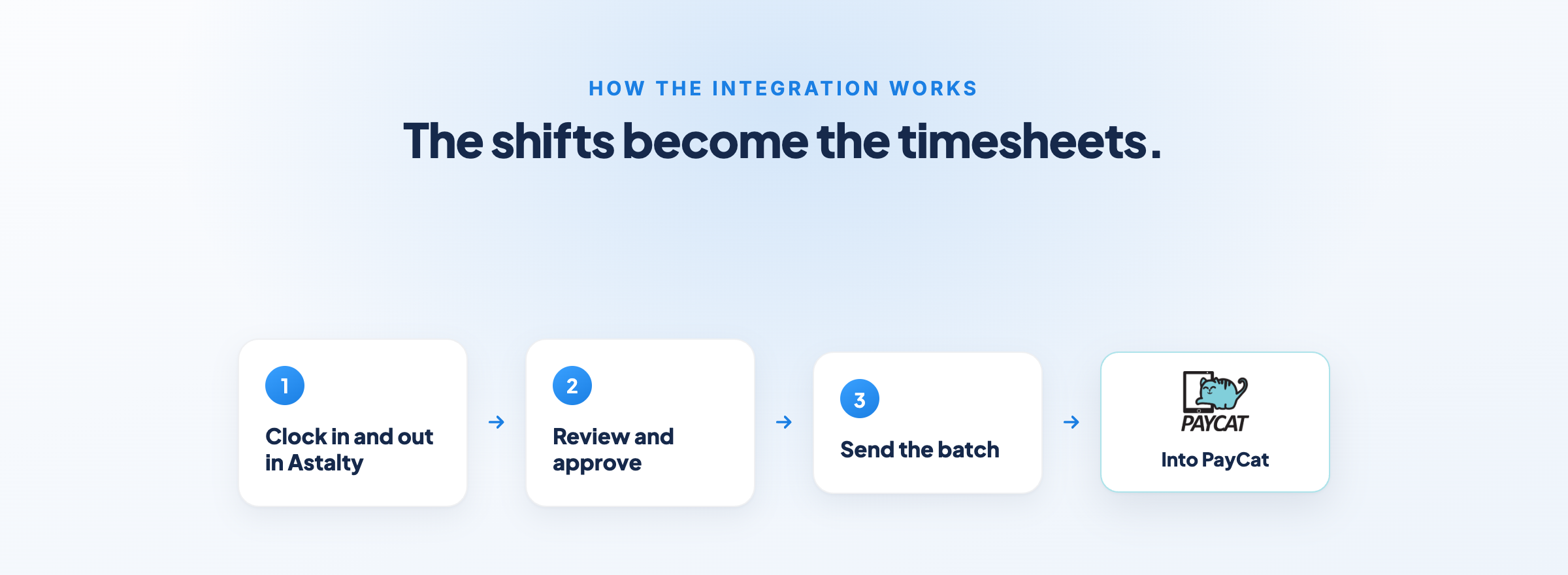
With the integration switched on, the shifts your team works in Astalty become the timesheets that go into PayCat.
Your support workers clock in and out of their shifts in Astalty as usual. Your team reviews and approves the timesheets in Astalty. Then, from the timesheet batch, you send the approved batch straight to PayCat. No export, no re-keying.
What goes across is the hours worked and the type of work they were for: ordinary hours, kilometres, sleepovers and so on. During setup, you map your Astalty work types to PayCat pay groups, and your cost codes to PayCat locations, so wages are split across your business the way your accountant expects.
Leave is covered too. When leave is approved in Astalty, the integration creates a matching leave application in PayCat automatically. And sleepovers are configured to match your payroll requirements, so the active part of the shift and the sleepover part don't need manual adjusting.
You can read the full setup in the Astalty PayCat integration guide.
Who does what
This is the part worth understanding, because it's what makes the integration reliable.
Astalty sends the facts: who worked, when, for how long and what kind of work it was. It doesn't send Saturday rates, Sunday rates, public holiday rates, overtime or allowances.
That's because PayCat interprets the award, not Astalty. Once the hours arrive, PayCat applies the SCHADS Award rules itself, working out the penalties, overtime and allowances based on the work types it receives.
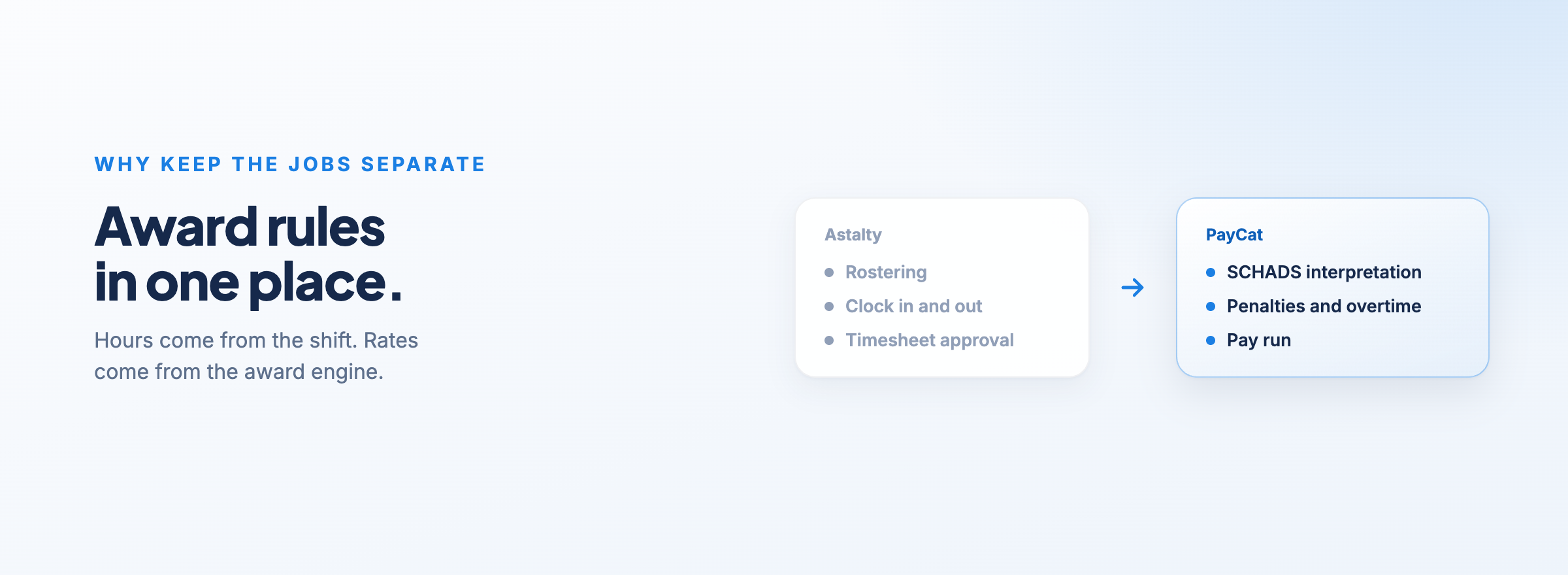
Keeping those jobs separate means your award interpretation lives in one place, in the system built to do it.
One honest caveat. Astalty has its own award alerts and shift cost estimates in scheduling, and those use different rules to PayCat's interpretation, so the two numbers can differ. That's why you should still review each pay run in PayCat before you process it. And if you ever need to resend a batch, be careful with the "Replace in PayCat" option. It removes all existing timesheets in that date range in PayCat before re-creating them.
Why PayCat for SCHADS payroll
PayCat focuses specifically on modern award payroll, and SCHADS is a big part of that.
On its SCHADS page, PayCat describes its system as "Australia's only 100% compliant SCHADS payroll system, legally backed", and says its award template "was independently reviewed to check it interprets the award correctly", with the review report available to download.
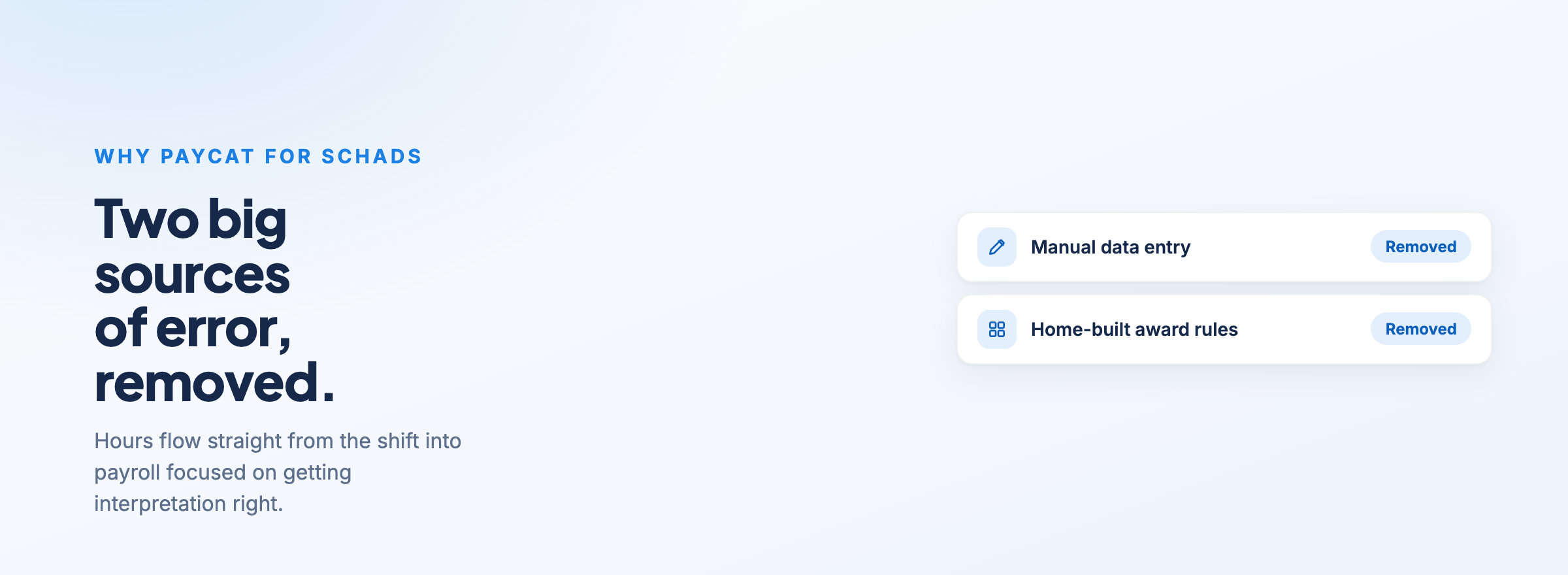
For an NDIS provider, that matters. SCHADS interpretation is one of the easiest places to get pay wrong, and underpaying staff, even by accident, is a problem you don't want to find out about years later. Having hours flow straight from the shift into a payroll system that's focused on getting that interpretation right removes two of the biggest sources of error: manual data entry and home-built award rules.
PayCat's own page on the Astalty and PayCat integration also covers what's supported from their side.
Where to start
If you're already using PayCat, or you're choosing a payroll platform for a SCHADS workforce, the integration means your pay run starts from the shifts your team actually worked, not from a second set of timesheets or a spreadsheet someone typed up.
Your support workers record their time once. Your team approves it once. PayCat handles the award. And your admin team gets that time back every pay cycle.
If you want to see how the integration fits into your payroll process, book a demo.
