
Rostering in the NDIS is complex. Astalty makes it simple.
Ask anyone who builds a roster for an NDIS provider what their week looks like, and you'll hear the same thing. It's never just "who's free this afternoon". It's the right worker for the right line item, the right funding management type, a number of travel scenarios, all stitched together without breaching the SCHADS award and trying to keep some sort of profit margin in the mix. Get one bit wrong, and it shows up later as an unhappy participant, an overpaid shift, or a claim that gets rejected from a Plan Manager.
Astalty was built by people who ran a provider for years before they wrote a line of software, so we know exactly where rostering falls over.
Here is exactly how Astalty handles complex rostering situations, feature by feature, so you're not the one holding it all together in your head.
The right worker, not just any worker
A filled shift isn't the same as a good shift. The worker has to actually suit the participant, or you end up with cancellations, complaints, and churn you didn't see coming.
Astalty matches workers to shifts on the things that matter. That includes availability, participant preferences, including ethnicity, age, and gender, and you can also dictate whether that person is a preferred worker or incompatible. While you're scheduling in real time, that all feeds in. Your best-fit workers surface first, and anyone flagged as incompatible gets caught before they make it onto the shift.
And availability isn't an afterthought. It's right there before you assign anyone. Astalty doesn't just tell you whether a worker can do the support in front of you, it shows you how many of the upcoming supports they're available for as well. So if you're about to assign a run of shifts, you can see at a glance which ones they can actually take, and only schedule them onto those.
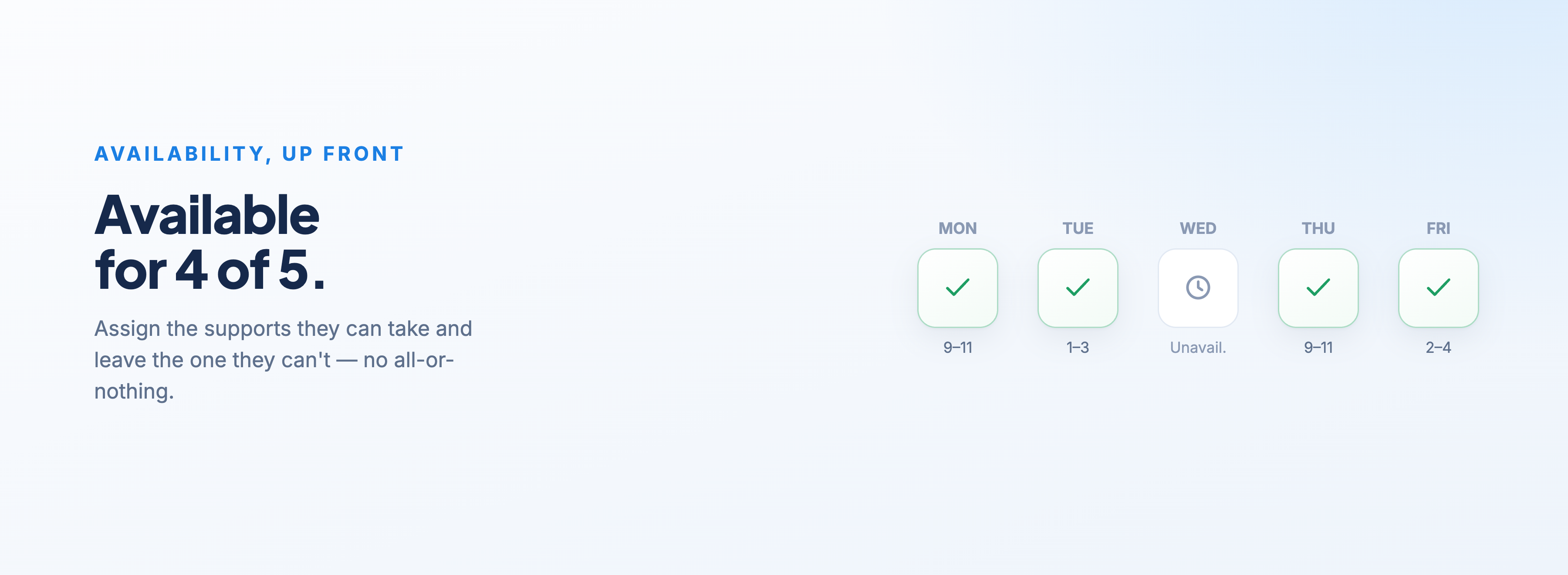
That works right down to the individual shift. Say a worker can do every support in the batch you're assigning except one in the middle. You don't have to drop them from the lot. You assign everything they're available for and leave the one they can't do for someone else. No all-or-nothing, no manual workarounds.
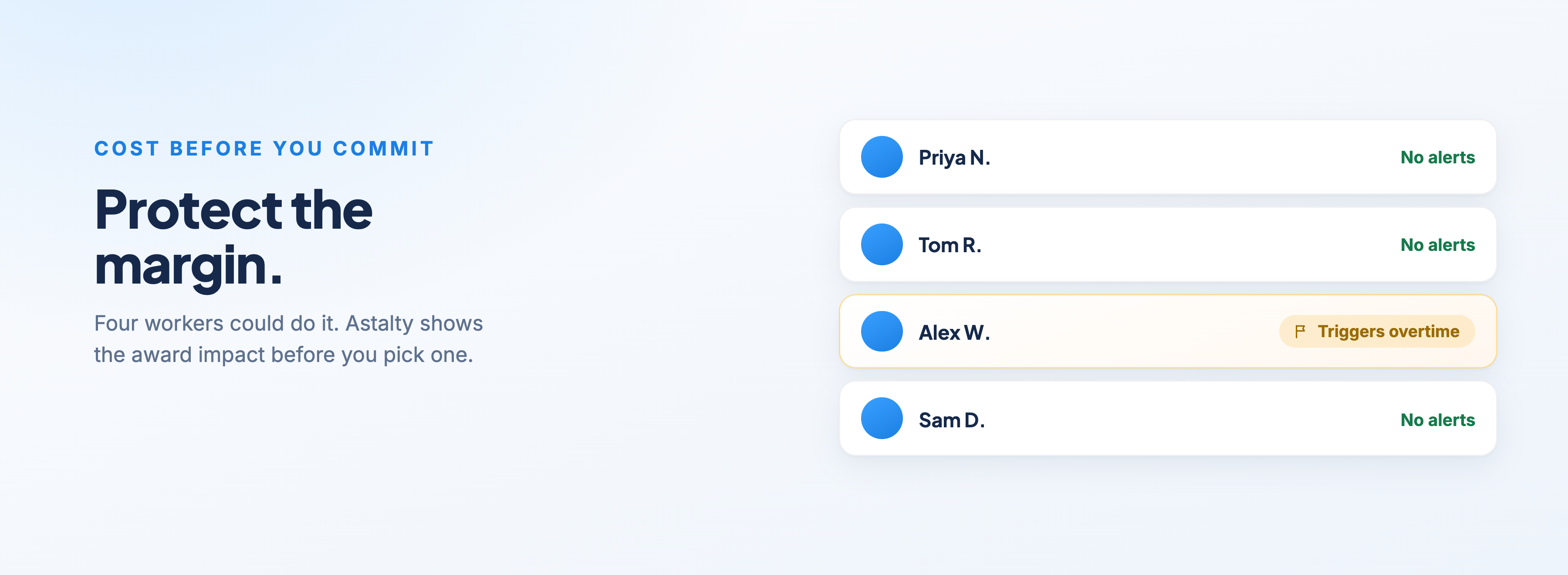
Astalty also lets you weigh up the cost of a decision before you make it. Say you've got four support workers who could all deliver a support, but one of them would trigger overtime if you rostered them. Astalty tells you which award alerts would be triggered before you commit. So you're not only making the best decision in the interest of the participant, you're protecting your margin and acting in the best interest of the business, instead of finding out what it cost you when the timesheet lands.
The point of all of this is simple. You spend less time second-guessing, the participant gets a worker who actually fits, and the business doesn't wear a cost it never saw coming.
Schedule once, or schedule forever
Some shifts are one-offs. Plenty aren't. A lot of supports are the same person, same time, week in and week out, and re-entering that by hand every week is a waste of everyone's time.
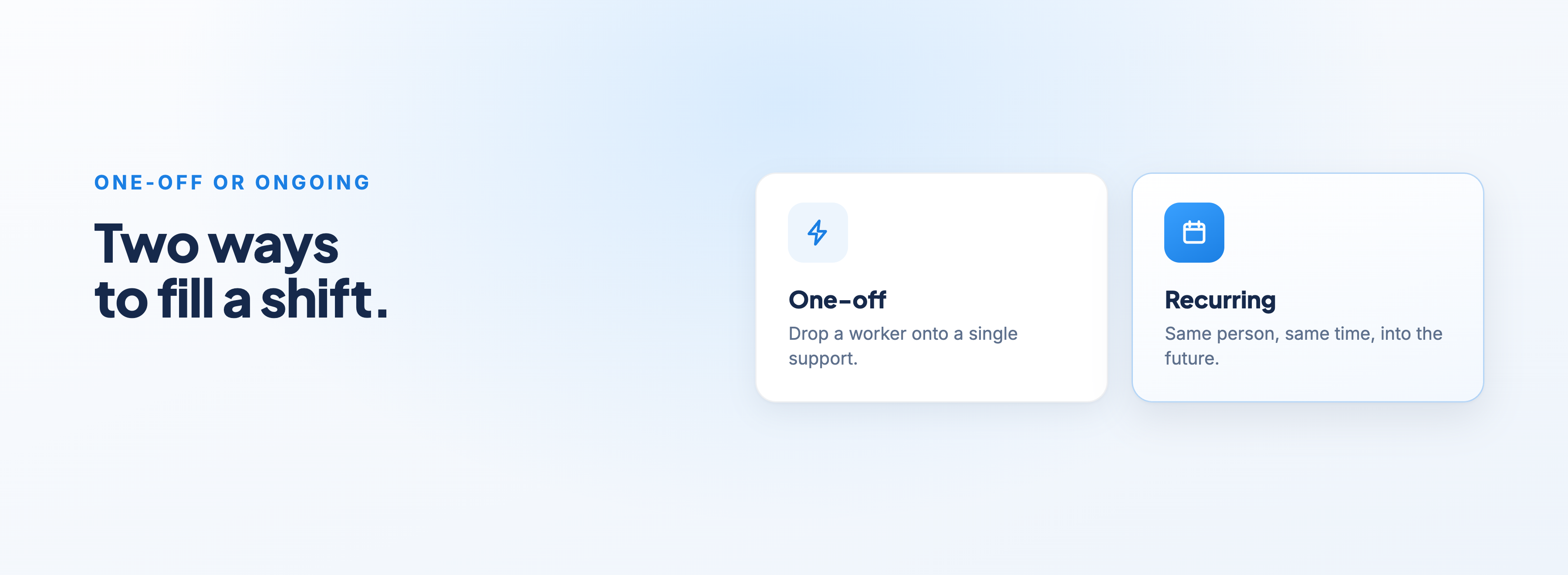
Once you've found the right worker, you can schedule them onto a single shift or set up recurring shifts that run into the future. That's exactly what you want when you're building a master roster and need to lock someone in indefinitely based on their current availability.
Because everything feeds back into Astalty, you always know whether that worker can actually do the shift before you commit. Build the roster once, and let the system keep flagging the conflicts so you're maintaining it rather than rebuilding it from scratch every fortnight.
Every support type accommodated
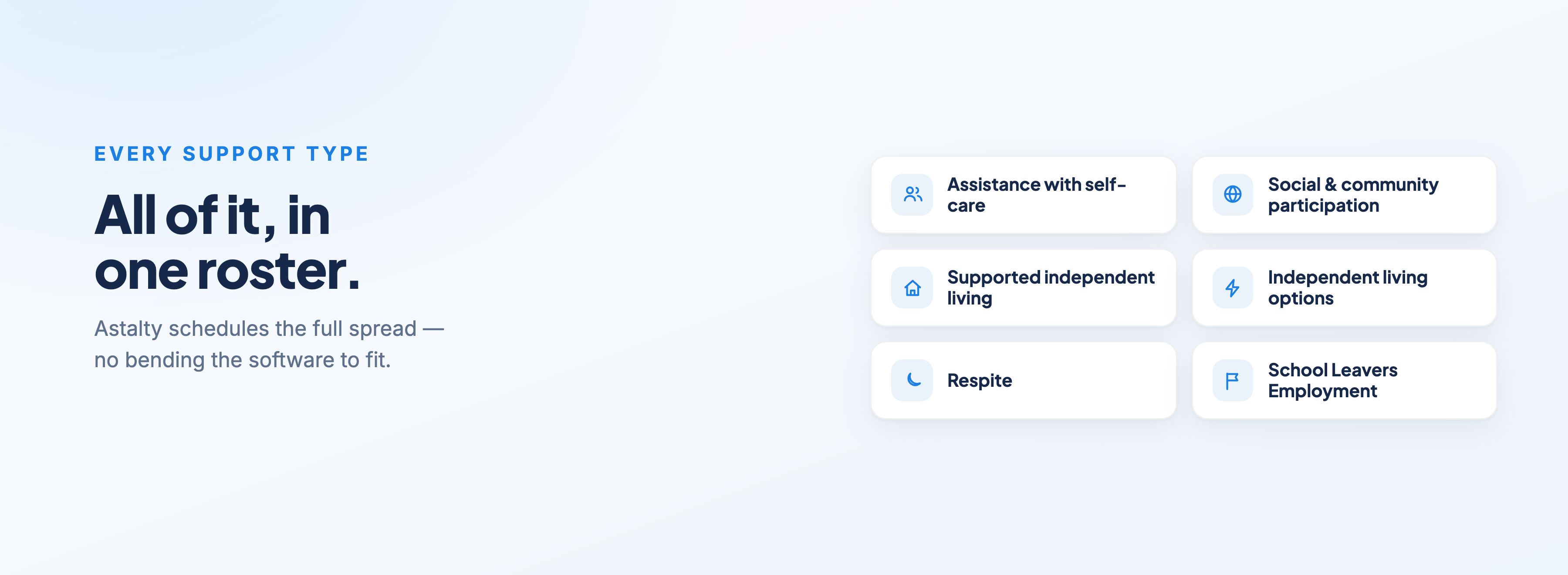
The NDIS covers a large range of supports, and your roster has to handle all of them without you bending the software to fit. Astalty schedules the full spread, including:
Assistance with self-care
Social and community participation
Supported independent living (SIL)
Independent living options
Respite
School Leavers Employment Services
SIL is where it gets genuinely complicated, and it's where a lot of software quietly gives up. You can have multiple ratios running at once. You can have people in the same house funded in completely different ways. Astalty supports all of it, so the way you roster matches the way the supports are actually funded and delivered, not a simplified version of it.
The travel problem nobody else solves well
Here's a scenario that trips up in most software.
Someone in SIL needs to get out into the community. The support is real, the need is real, but under the NDIS price guide there's no clean line item for that travel, no real equivalent of the Activity Based Transport line item (04 in 01). So the worker does the trip, and then the question is how on earth you claim it.
Astalty handles this with what we call Unscheduled Travel. The worker still gets the participant out into the community, and still records the kilometres against the shift they're scheduled to do. From there, you assign the relevant line item based on your organisation's preferences and how you're working that specific situation. The trip happens, the claim makes sense, and you're not left guessing.
Travel in general is one of the easiest things to get wrong and one of the most painful to reconcile later. Astalty keeps it straightforward in a few ways.
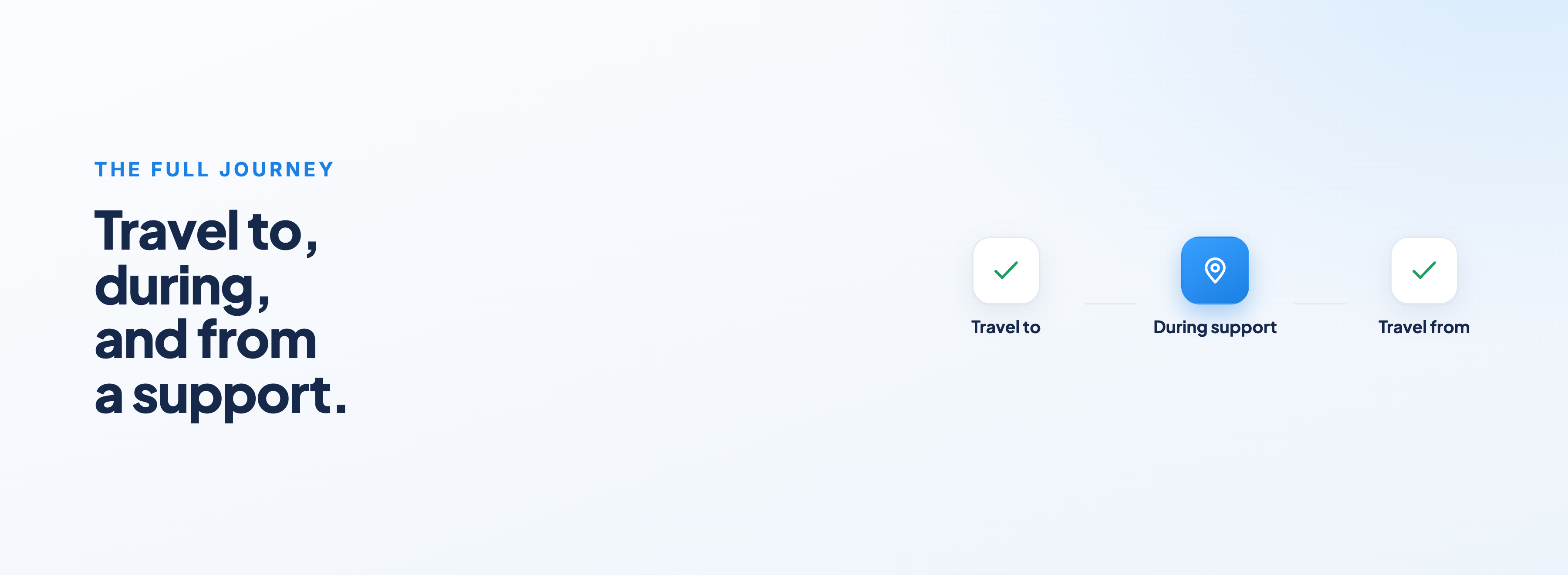
You can schedule travel to a support, during a support, and from a support, so the full journey is captured. And when it's a group support, you can apportion the pricing and split the charges across multiple participants.
Here's how that plays out in practice.
Say you pick up two people on the way out. You split the travel charges between them, because they're both in the car. On the way home, if you're only dropping one of them off, you direct all of those charges to that one participant. Other software makes you fight for this kind of flexibility. In Astalty it's a couple of clicks, and the billing comes out correctly the first time around
Group supports without losing track
Group programs I'm not easy to manage, especially from a software perspective. You've got different funding types, multiple participants, logistics and travel, plus multiple support workers.
Astalty pulls all of this into the Activities tab. Every group activity lives there, including how often it recurs and the date of the next session. You can create and manage your activities from that one list, plan and coordinate your group sessions, and keep on top of group capacity levels. So instead of holding the group's capacity in your head or a separate spreadsheet, you've got one place that shows you what's running, who's in it, and whether or not your organisation has the ability to take on more referrals.
A scheduler that works like a to-do list
Most schedulers bury you. You end up scrolling a wall of shifts up and down, trying to spot what still needs doing. Astalty is built to work more like a to-do list, so the things that need your attention come to you.
You get all the standard views you'd expect. You can switch the schedule to display by support worker, with your staff running down the side, or by participant, depending on how you're thinking about the day.
You can look at it by Day, Week, or Fortnight. And whatever period you're viewing, you can publish the supports for that period in one go. Looking at a fortnight and hit publish? That publishes the lot.
Down the side, the scheduling menu is split into three parts, and together they act as your running to-do list:
Plan
A shift board, so you can see if anyone's expressed interest in picking up a shift
Unassigned Shifts, showing every support you still need to fill, with a live badge count so you always know how many gaps are open
Unpublished Shifts, so you can see what's still sitting hidden from workers, again with a badge count
All Shifts, for a filtered list of everything scheduled in the date range
Activities, for all your group supports in one place
Review
Availability Requests, where one-off, recurring, and leave requests from the app all land together, with a badge count so nothing gets missed
Shift Alerts
The Shift Clashes Report
Shift Approvals
Process
Timesheet Batches, ready to flow through to payroll
Everything that needs actioning gets pulled into one place with a count next to it. You work the list instead of hunting through the calendar.
Staying ahead of problems before they cost you
The expensive mistakes in rostering are nearly always the ones you don't catch until payroll or claim time. Astalty is built to flag them while you're still building the roster, when fixing them is free.
As you assign shifts, Astalty watches them against the SCHADS award and warns you before anything is confirmed. The award alerts cover the things that quietly cost you money:
Overtime, when assigning a shift would push a worker past their daily ordinary hours
Rest and fatigue, when there's less than the required break between shifts. For example, a worker finishing at 10pm and starting again at 5am only gets a 7-hour break when the minimum is 8, so you get warned
Consecutive days, when you're about to roster someone past the recommended run of days in a row
Days off, when assigning a shift would drop a worker below their required days off in the rostering period
Shift length, when a shift is too long and tips into overtime, or too short and falls under the minimum engagement you still have to pay
Broken shifts, when a worker would end up with too many separate work periods in one day, which has its own rules and needs their agreement
 You can control how each of these behaves, so the alerts match how your organisation actually runs.
The Shift Clashes Report does exactly what it says, surfacing scheduling conflicts so two things running into each other don't slip through. And Shift Alerts is your real-time view of shifts that haven't been clocked in or out, so you can chase a missed clock-in straight away rather than discovering it when the timesheet doesn't add up. That matters, because a shift that's never clocked won't flow through to approvals, and the worker won't get paid for it.
When you want to test something before it's real, there's the SCHADS Interpretation Playground. You can run hypothetical shift scenarios, including sleepovers, active overnight periods, and shifts that cross midnight, and see how they'd be interpreted under the award engine before you ever process a real timesheet. It's the safe way to answer "what would this actually cost me" without committing to anything.
And speaking of cost, scheduling costs give you a real-time read on profitability based on your current roster and how it stacks up against previous ones. You're not waiting until the end of the period to find out whether the roster you built makes money. You can see it as you go.
Finally, you can track cancellation reasons. Every cancellation gets a reason attached, which on its own keeps your records clean, but over time it becomes something more useful. You start seeing the trends. Which participants cancel most, what support worker is constantly calling in sick, and where you're losing billable hours
The point of all of it
The NDIS is complex, and a huge chunk of that complexity lands on whoever's building the roster. Astalty doesn't pretend the complexity away. It just gives you the tools to handle it properly, from matching the right worker, to scheduling every support type, to getting travel and funding right, to catching the costly mistakes before they cost you anything, all in one place.
If you want to see how this works with your own setup, just reach out or head to the link below and book a demonstration.
