
Most NDIS software works fine when you're running one team in one state.
The problems start when you grow.
A second state means a second set of public holidays, different time zones, a whole new team of support workers, and suddenly your software is creating more problems than it's solving. What worked at 20 staff in Queensland doesn't work at 200 staff across Queensland, New South Wales, and Victoria.
The truth is that most NDIS platforms weren't designed with national operations in mind. They were built for small providers and patched as customers got bigger. The result is a lot of workarounds, a lot of manual fixes, and a lot of risk sitting quietly in your payroll and billing.
Astalty is built differently. Here's what that actually looks like in practice.
Public Holidays Aren't the Same Everywhere & Your Software Needs to Know That
This one catches a lot of providers off guard.
A support shift on the Queen's Birthday long weekend means something different depending on whether your participant is in Sydney or Brisbane. Get the public holiday wrong and you're either underpaying your support worker, undercharging the NDIS, or both. Multiply that across hundreds of shifts, and you've got real leakage in your business.
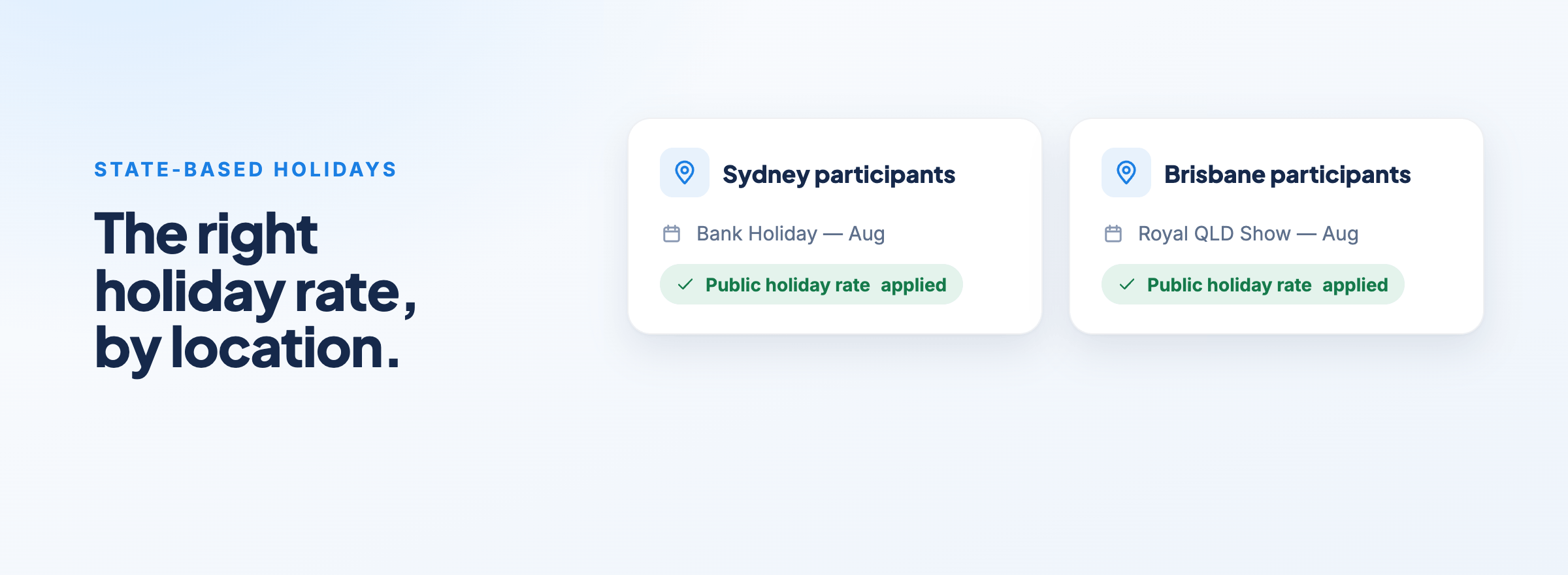
Astalty handles this automatically. State-based public holidays are applied to participants based on their location, no manual setup, no spreadsheet to maintain. When a date is recognised as a public holiday, any supports scheduled on that day are automatically updated to apply the correct charge item rate.
For providers operating across multiple regions, there's another layer on top of that: Public Holiday Groups. You can create groups like "Sydney Participants" or "Brisbane Participants" and assign participants to the group that matches their location. Local holidays, things like the Sydney Show or a regional show day, can be added manually and linked to the right group.
One less thing your team has to think about. One less risk sitting in your billing.
Your Rostering Team Shouldn't Have to Manage Time Zones in Their Head
A rostering coordinator based in New South Wales is scheduling support workers in Queensland. Queensland doesn't observe daylight savings. New South Wales does. If your software isn't accounting for that, shifts get logged at the wrong time, and your team is left trying to work out what actually happened.
In Astalty, this is a single checkbox.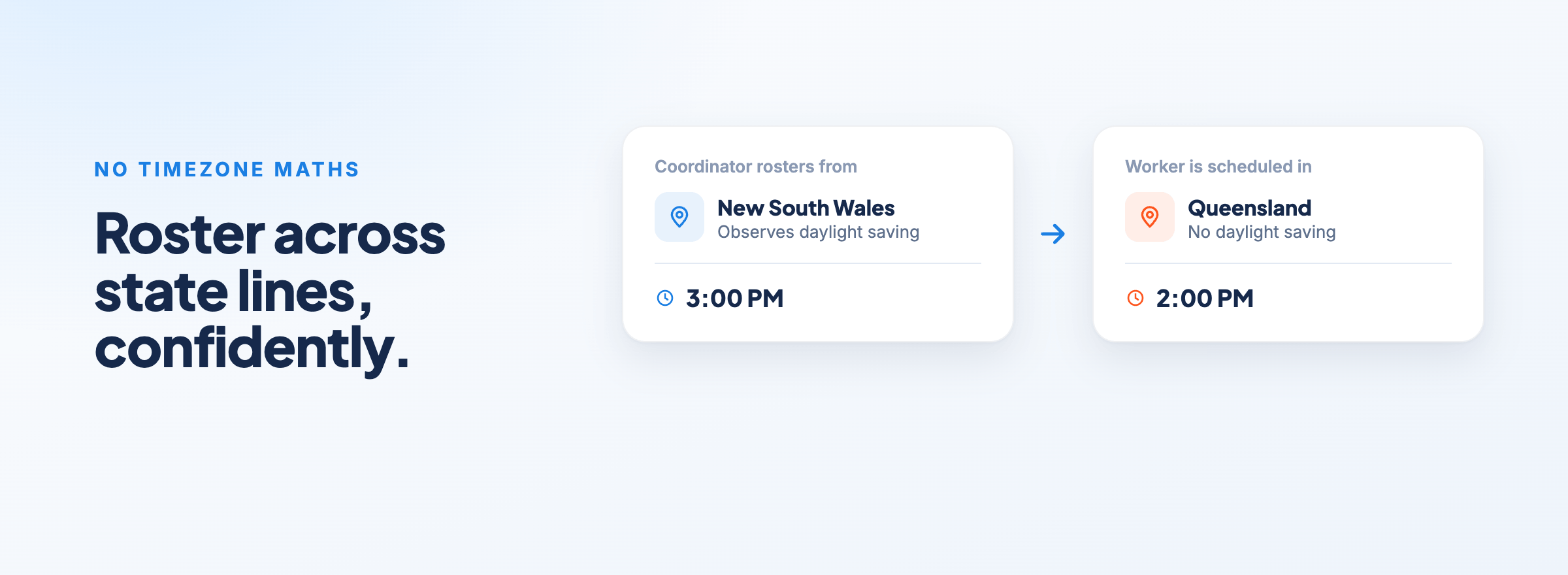
Head to Scheduling Settings, tick Multi-Timezone Scheduling, and the platform handles the rest. Support workers are scheduled in the correct timezone for their location, not the timezone of whoever's doing the rostering.
It's one of those things that feels like it should be complicated to set up. It's not. One setting, and your team can roster confidently across state lines without doing timezone maths in their head.
When You've Got 500 Staff, You Need to Be Able to Filter Out the Ones That Matter
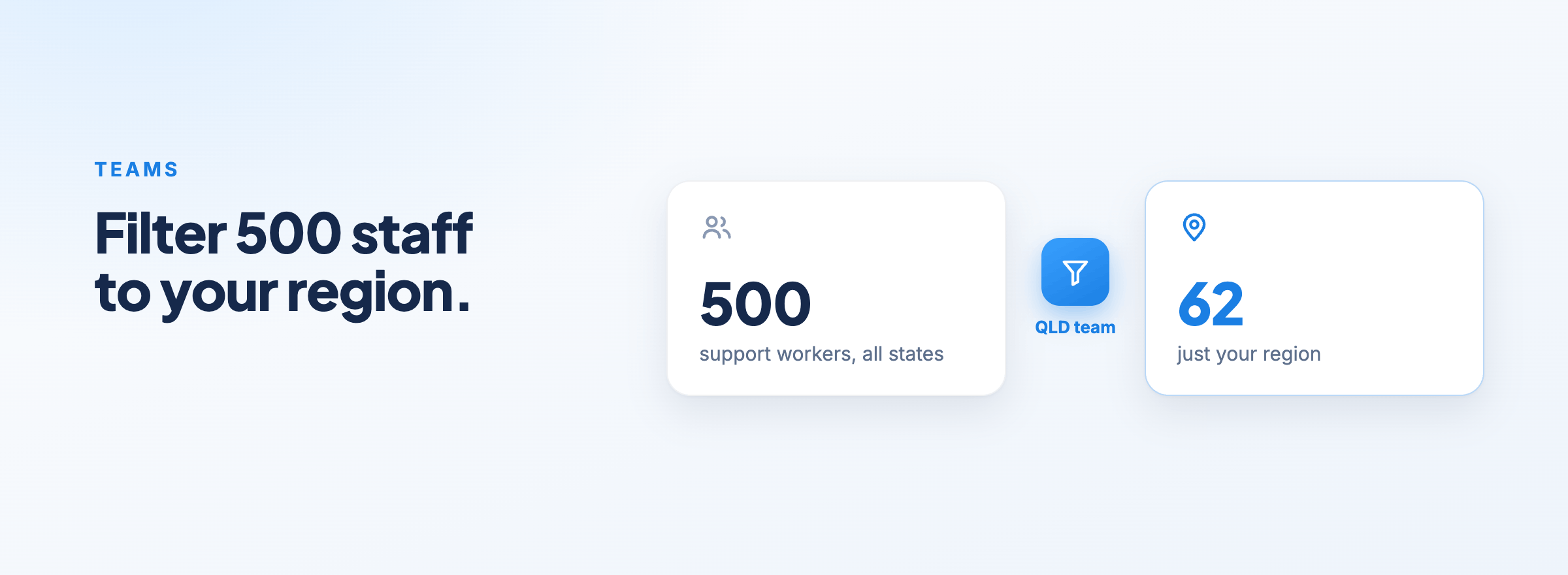
Imagine opening your roster and seeing every single support worker your organisation employs. All 500 of them. Trying to find the right person for a shift in Brisbane when the list includes everyone from Perth to Hobart isn't rostering, it's searching.
This is where Teams come in.
In Astalty, you can create Teams that map to how your business is actually structured. A Queensland team. A New South Wales team. A Victoria team. Each team has its own Team Leader, usually a regional manager or coordinator, who can filter their view of the roster, reports, and dashboards to see only the people they're responsible for.
For the rostering coordinator, that means opening the schedule and seeing their region. Not the whole organisation, just the staff that are relevant to what they're doing right now.
For the Team Leader, it means their reports and dashboards reflect their team's performance, not the whole business. They get the visibility they need without the noise.
And when you need to notify a specific team, say, the QLD team about a policy change or a shift update, User Groups make that straightforward too. When you create a Team in Astalty, a matching User Group is automatically created alongside it, so you can send targeted notifications without any extra setup.
As you add more staff and expand into more states, the structure scales with you. You're not bolting workarounds onto a system that wasn't designed for this. You're using a platform that was.
Keep Your State-Based Teams Talking, Without the Group Chat Chaos
Communication is the other thing that breaks down fast when you scale nationally.
When you've got staff spread across multiple states, it's easy to end up with a mess of WhatsApp groups, text threads, and email chains that nobody can find later. Things get missed. The wrong people get included. You lose visibility over what's being communicated to whom.
Astalty has a built-in Chat feature that keeps all of that inside the platform, accessible on both desktop and the support worker app.
Your team can send direct messages one-on-one, or communicate in group channels organised however makes sense for your business. A Queensland ops channel. A SIL house channel. A channel just for team leaders across all states. Whatever structure suits you.
The part that makes it genuinely powerful for large operators is how channels connect to your Teams.
When you create a Team in Astalty, say, a Victoria team, a matching User Group is automatically created. You can then link that User Group directly to a chat channel. From that point on, membership stays in sync automatically. Add someone to the Victoria team and they're in the channel. Remove them and they're out. No admin overhead, no manually updating group chats as staff come and go.
You can also @mention an entire User Group inside a message to notify a whole team at once, without needing to remember who's in the group or chase people down individually.
Everything stays inside the platform. Everything stays organised. And your team leads can communicate with their state-based teams without the noise from every other region bleeding in.
One Platform. Every State. No Chaos.
Running a national NDIS operation is genuinely complex. The compliance requirements, the staffing logistics, the billing, there's a lot that can go wrong when you're operating across state lines.
Your software should be making that easier, not harder.
Astalty is built for providers at scale. Whether you're managing 50 staff in one state or 500 across five, the platform gives you the structure to run your operations cleanly, with state-based public holidays applied automatically, time zones handled without a second thought, and a roster you can actually navigate.
If you'd like to see how Astalty works for larger operations, book a discovery call today.
