
Get back time in your day, stay on top of compliance, and focus on the work that actually matters.
Compliance isn't getting any easier in the NDIS.
There's a slow creep of admin overload that every provider feels. More forms, more registers and more evidence to gather. To survive the overload and to stay compliant, providers need modern tools that take some of that load off.
Most providers didn't get into this industry to spend their day on admin. You got into it to support people. If all your time is stuck on compliance, you don't get to do any of that.
There were definitely times when I was a provider when it felt like all I was doing was focusing on compliance, and so if I were starting a provider again today, here are the tools I'd be using to streamline the day-to-day operations.
1. Wispr Flow
This is the one we'd recommend regardless of what industry you're in. If you use a computer, you should be using Wispr Flow.
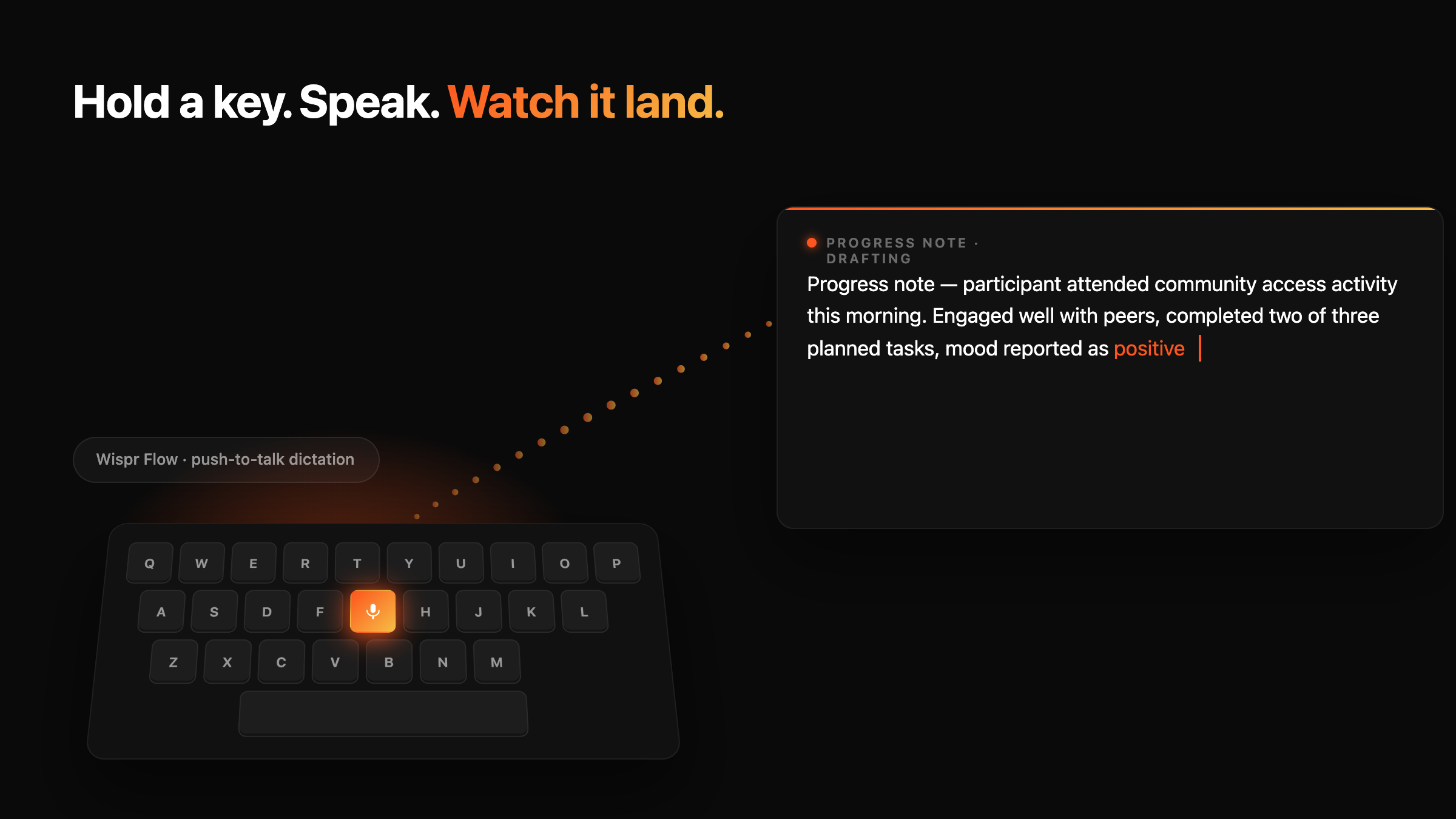
Hold a key. Talk at the screen. It transcribes, formats, and drops the text wherever your cursor is. Email, Slack, your CRM, a Word doc, a contact form.
Doesn't matter what app you're in.
For an NDIS provider, the obvious win is notes. Progress notes, case notes, file notes, intake summaries. Back office staff, support coordinators, and anyone writing and replying to emails for big chunks of their day.
Wispr cuts that time in half.
There's also a mobile app, which could be interesting for support workers writing shift notes on the go. Phone dictation is rough. Wispr is better. There's a price attached to using it on mobile, so you'd want to weigh up the cost against the time saved.
One honest caveat about Wispr: it's awkward in open-plan offices.
You're talking out loud at your screen.
Fine if you're remote or in your own room. Less fine if you're sitting next to two other people on a Tuesday afternoon.
2. Otter
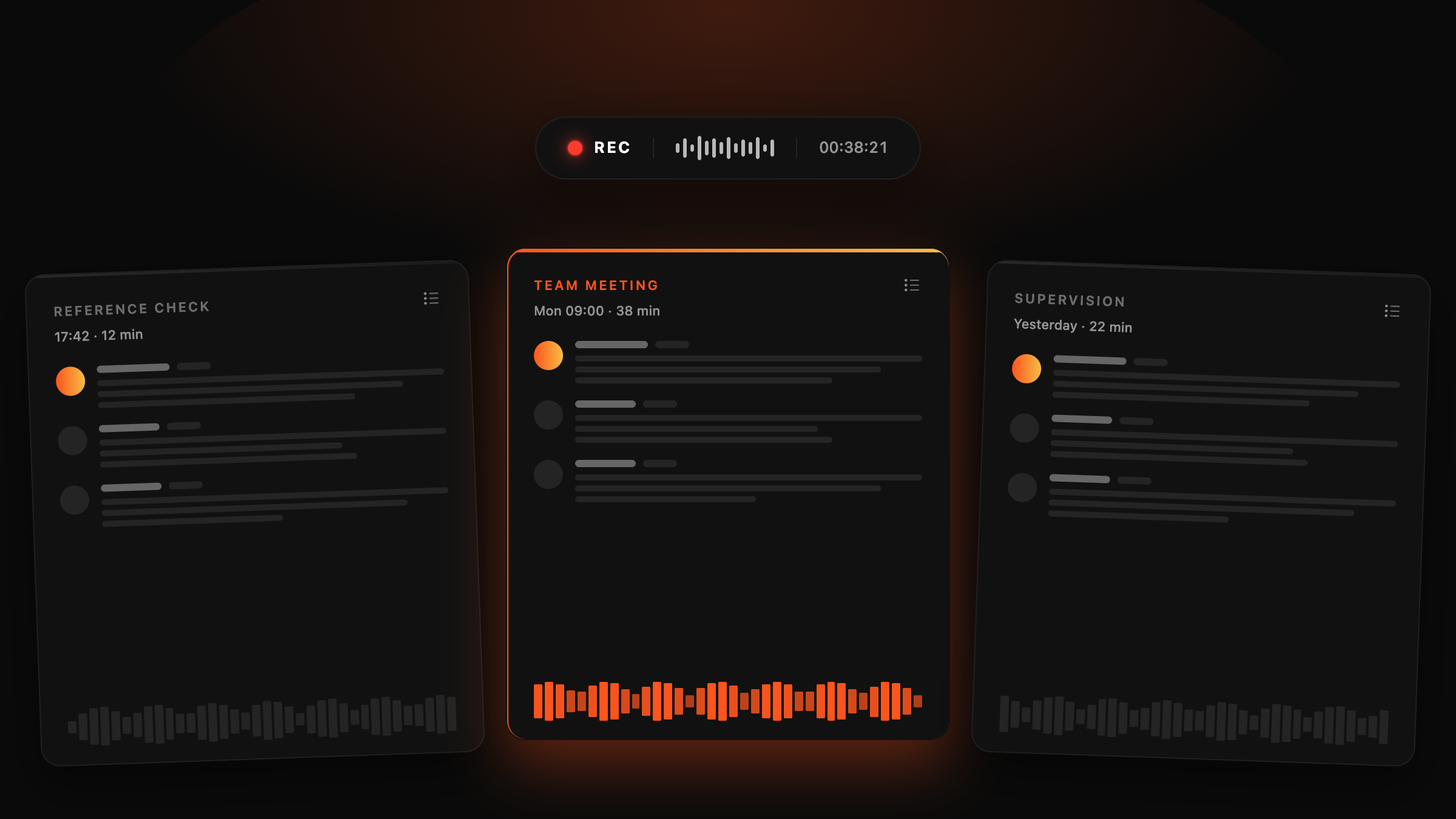
Otter records meetings, transcribes them, and gives you a searchable summary.
For NDIS, this is a compliance tool more than a productivity tool. The audit trail is the value.
Reference checks. Recorded. Staff interviews. Recorded. Staff supervision sessions, team meetings - all recorded.
When the audit comes, you've got the evidence. Not "I remember we did that." Actual transcripts, which you can show the auditor.
The real cherry on top is when you pair it with automations. Set things up so the transcript of every team meeting lands in your meetings folder automatically. Reference check recordings get filed against the staff member's record. You don't move things manually. You don't forget where you saved them. Tools like Zapier/Claude can wire this up.
3. Claude
Claude has quickly become the favourite LLM among many people. It's worth thinking about as a few different tools, not one.
Claude (the chat)
The basic version. A thinking partner. Brainstorming, writing, summarising, working through a problem out loud.
Use it to draft a reply to a stakeholder before you send it. Use it to turn a messy voice memo into a clean policy update. Use it to stress-test a decision before you make it. Most people stop at "write me a thing" and never go further. The real value is using it as a sounding board for the work you're already doing.
MCP servers
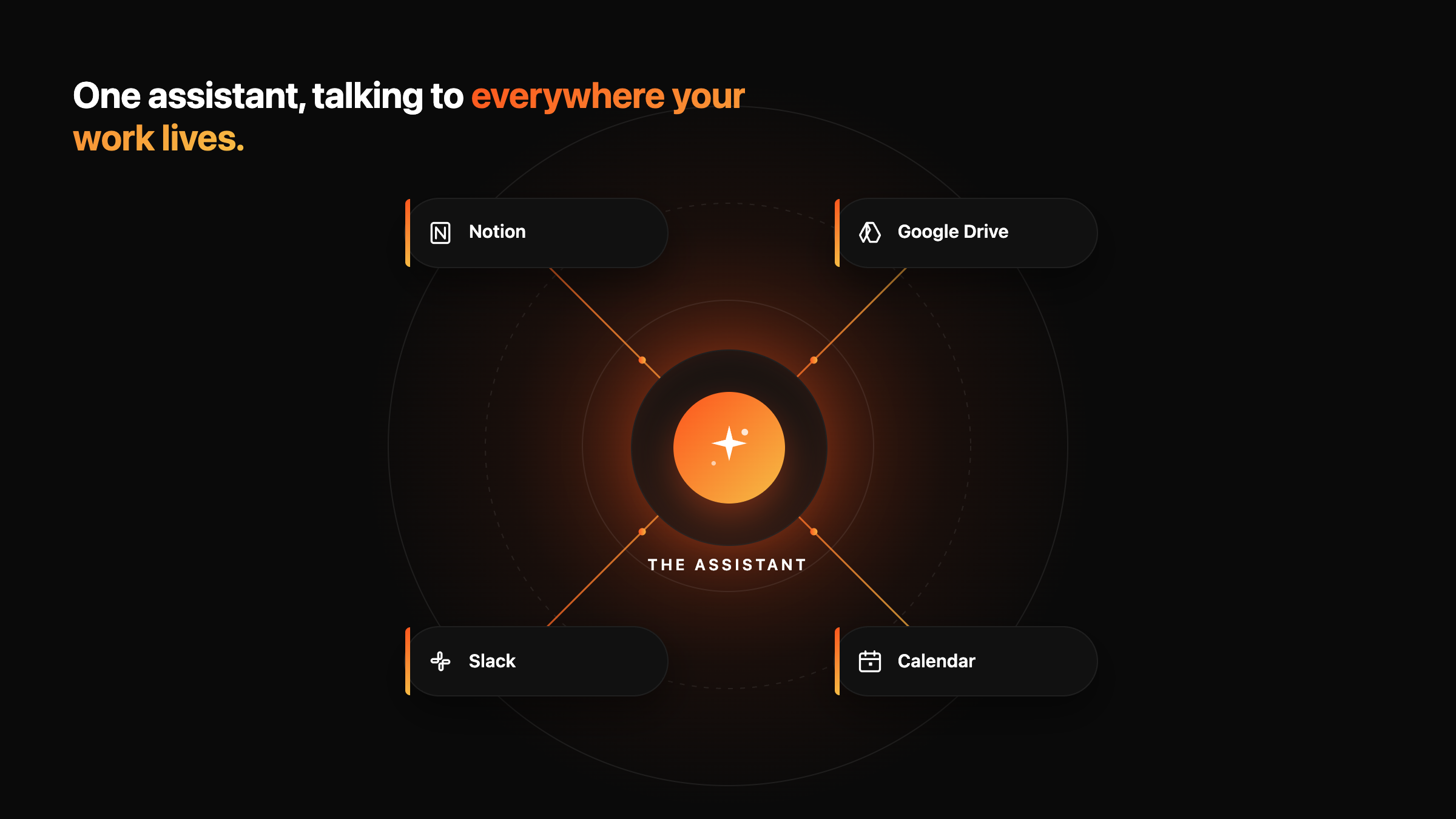
This is the differentiator. MCP lets Claude connect to your other tools. Notion, Google Drive, your calendar, Slack. Instead of copying information between platforms, Claude pulls from all of them at once.
Ask "what's outstanding from my last meeting with the Smith family?" and it can pull the meeting notes from Notion, the email thread from Gmail, and your follow-up calendar item, all in one answer.
Claude Code
For anyone who wants to build things. Landing pages, prototypes, internal tools, quick automations.
You don't need to be a developer to use it. You describe what you want in plain English and it builds it. Want a simple intake form that drops new referrals into a Notion database? You can have one running in an afternoon. Want a quick internal dashboard that shows every open complaint across the business? Same thing. You'll need patience, and you'll hit walls, but the floor for what's possible without a developer has dropped a long way.
Skills and agents
This is where it gets interesting, but it's also where it gets jargon-heavy. Here's the simple version.
Think of an agent as someone who executes a task for you. Skills are the instructions that tell the agent how to do that task properly.
Example. The way you reply to external stakeholders is probably different to how you message your team internally. More formal, different tone, different structure. You can train Claude on both. One skill for external comms. One for internal. Then your agent uses the right skill depending on the task. You stop having to rewrite the same kind of email from scratch every time.
The same applies to anything you do repeatedly. Build a skill once, run it forever.
Pro tip: train Claude to get better on its own
You can include a prompt in your skill files that tells Claude to update itself whenever you correct a mistake or give it new information. That means the next time it picks up a task, it's already incorporating what you taught it last session — without you having to repeat yourself.
Add this to any .md file you want Claude to maintain:
Startup Routine
Read all files in context/ — this is your foundation.
Read MEMORY.md — this is what you've learned over time.
Use both to shape every task.
Memory System
When I correct you or you learn something new, update the relevant section in MEMORY.md:

- Voice — tone, phrasing, writing corrections
- Process — how I want tasks done
- People — who people are, relationships
- Projects — active work, current tasks, status
- Output — formats, naming, delivery preferences
- Tools — which tools to use and how

Keep MEMORY.md current. When something changes, update it in place — replace outdated info, don't append below. The file should always reflect the latest state.
One honest note on cost
If you start using Claude as a real workhorse, the usage adds up. As of April 2026, the Pro plan is around US$20/month and covers most light to moderate users. Heavy use, especially with Claude Code or background agents, pushes you into the Max plan at US$100/month or US$200/month. Budget for it before you commit.
Fair warning: most people who start using Claude seriously don't go back.
4. Notion AI
Most NDIS providers have a Word doc graveyard. Policies in one folder. Procedures in another. Forms scattered across email and Drive. Half of it is out of date. None of it is searchable.
Notion fixes that.
Notion AI fixes it faster.
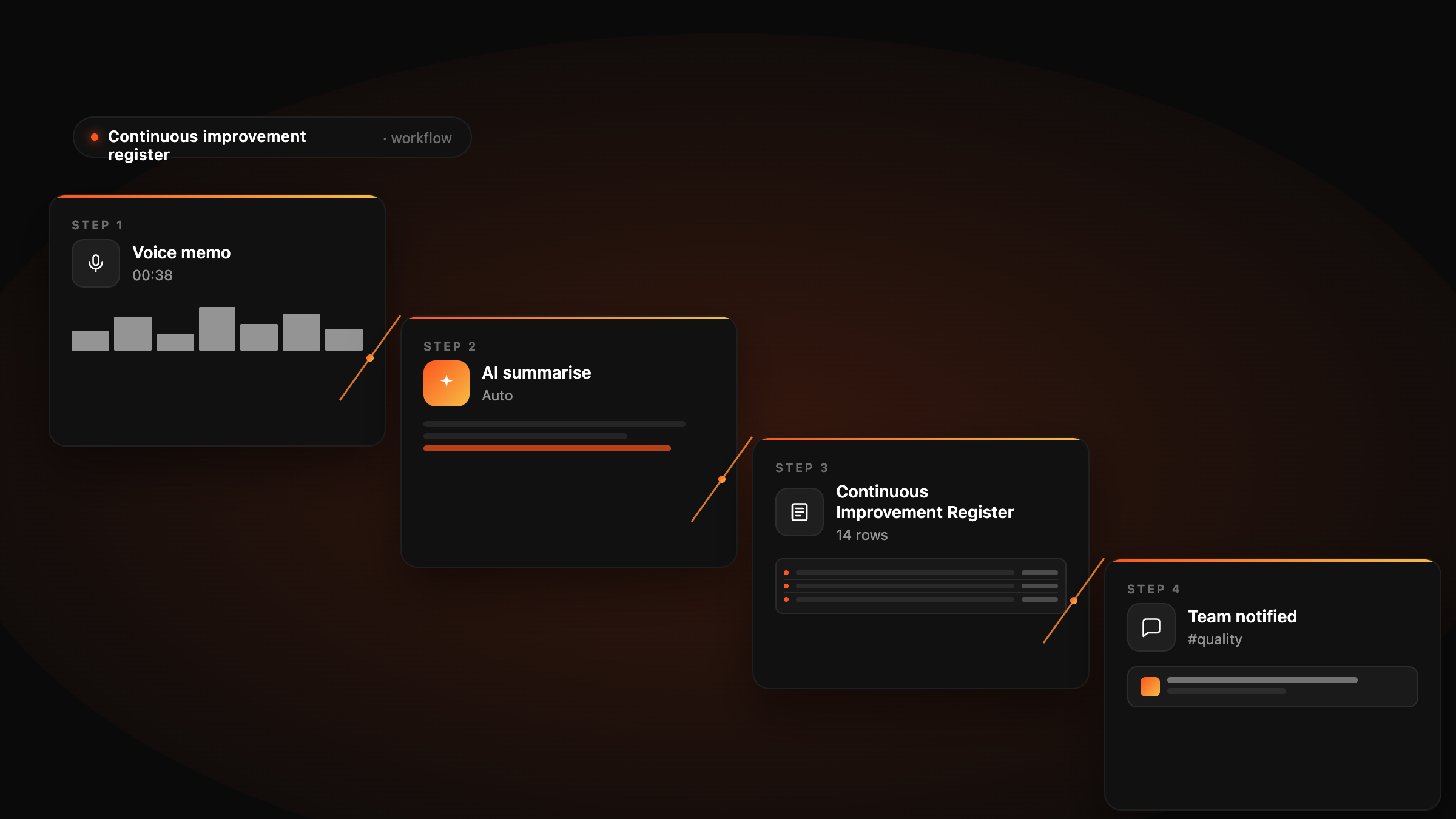
The real power kicks in when you stack it with the other three tools above. Here's a real example.
Your continuous improvement register
Most providers have a continuous improvement register. It's another register type spreadsheet to maintain. Combined with the rest of them, the upkeep is genuinely tedious.
Imagine this instead:
Something happens. A near-miss, a complaint, a process gap.
You open Wispr Flow and dictate the entry. No typing.
Claude (with an MCP connection to Notion) takes what you said and files it under the right heading in your continuous improvement register. No form-filling.
A background agent runs every week. It checks every open action across your registers and pings you on Slack with what's outstanding. "Last week you said you'd update the medication policy. That's still open."
Four tools. One workflow. About 30 seconds using Wispr on the front end, and Claude takes care of the rest, sending it straight through to Notion and updating your register automatically. The same can be applied to every other register.
Where to start
Don't roll all four out this week. That's a fast way to do all four badly.
Pick the one that solves your biggest time sink. If it's going to save time for the rest of your team, get everybody across it - then work on the next one.
If you're not sure where to start, it's Wispr Flow. The payback shows up the same day.
