
When you onboard your first participant, the scheduling process isn't complicated (if you’ve got the right software). One person. Four hours. Tuesday morning. Put it in the calendar.
The problem isn't the scheduling; it's everything that needs to happen before you schedule.
Get those things wrong, and what starts as a simple Tuesday morning shift can quietly become an overspend, a compliance gap, or a dispute with a participant who had expectations you never set.
Here's what to get right from day one.
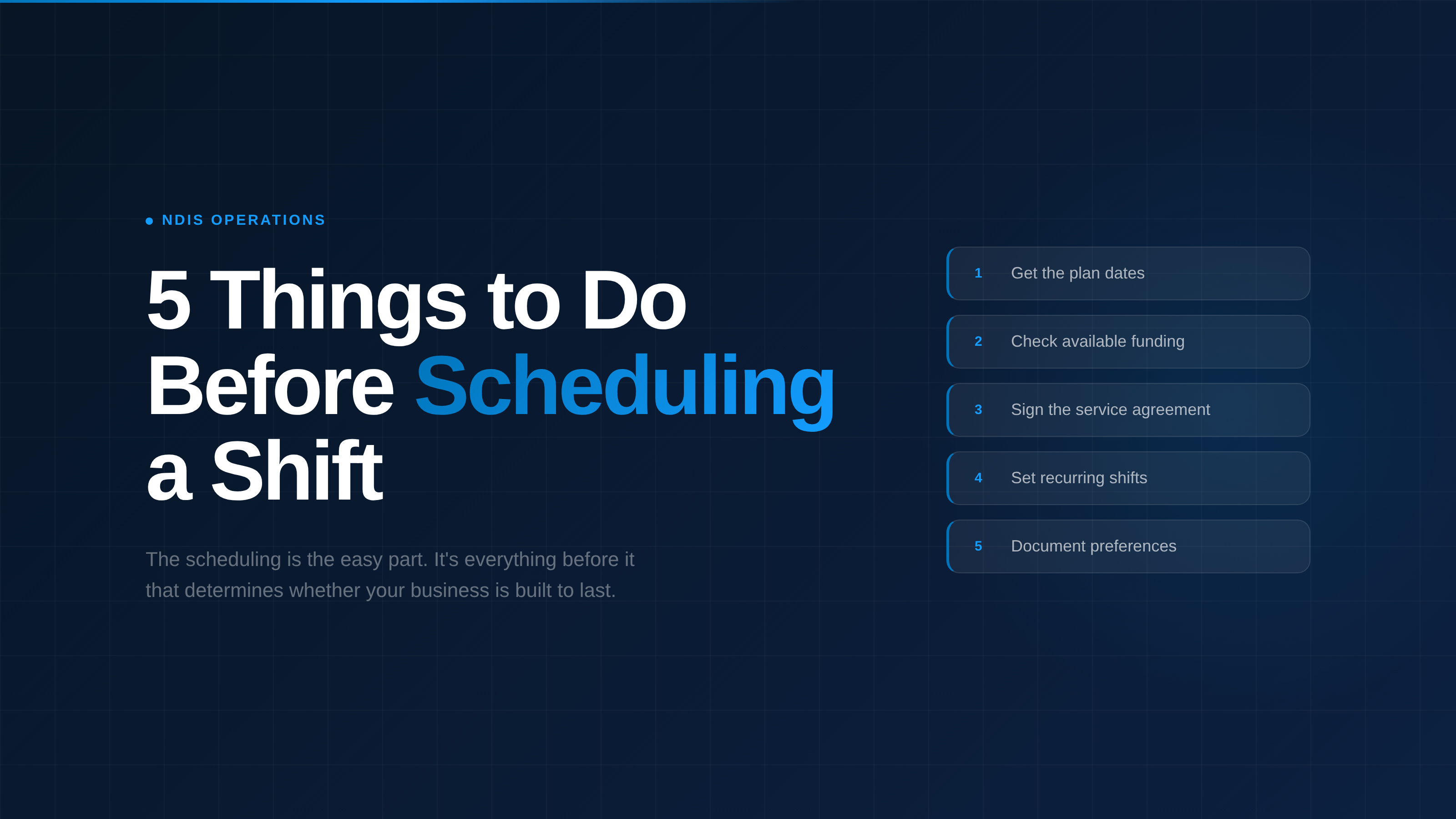
1. Confirm the timeframe before you build anything
Every decision you make as a provider flows from one of two things: the participant's NDIS plan dates, or the agreed-upon timeframe for support. The budget, the quote, the service agreement, the schedule, all of it depends on knowing how long you're actually delivering support for.
Without that clarity, you're guessing. And guessing means you might be building a schedule that runs past the point funding is available, or writing a service agreement that doesn't align with the actual delivery window.
Get that confirmed first. Everything else follows.
Once you have it, you can answer the questions that actually matter: How long is this agreement for? How many hours per week can we realistically deliver within the total funding available? What does the schedule need to look like to avoid overspending by month six?
A note on this: You don't need a budget built for the entire plan period before you start. At a minimum, you need to know the plan end date, or confirm with the participant and their coordinator whether they want support delivered from today through to the end of the plan.
Sometimes it's a full year. Sometimes it's an 8-week block. Just make sure everyone agrees on the delivery timeframe before the first shift is scheduled.
2. Check available funding and build a budget before delivering a single shift
This is the one that catches new providers most off guard, and it can be expensive.
Once you have the plan dates or agreed support period, find out which budget to draw down from and identify the most appropriate line item for the support being delivered. If you're unsure, confirm this with the Support Coordinator or Plan Manager before you start building the budget, it's much easier to get it right upfront than to fix it after a service agreement has already been sent.
From there, you can create a quote. The quote forms the basis of the service agreement, sometimes called a Schedule of Supports. Depending on your process, you may want to send the quote for approval before it gets attached to the service agreement. Either way, don't skip it.
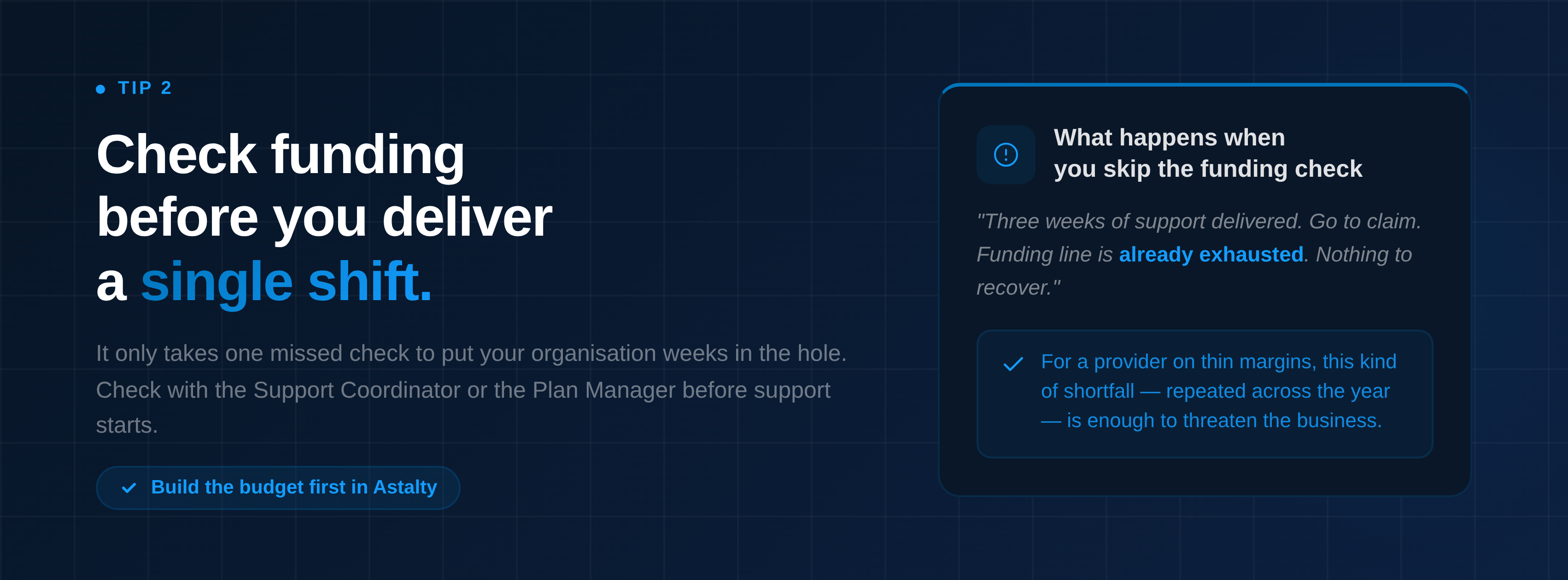
Then, before support starts, check with the Support Coordinator or, in some cases, the Plan Manager, that the funding is actually available and allocated to your organisation. Don't assume.
The cost of skipping this step is real. To illustrate: a provider delivers three weeks of support, goes to claim, and finds the funding line already exhausted. Hundreds of dollars of support delivered with nothing to recover.
For a provider operating on thin margins, that kind of shortfall, repeated a few times across the year, is enough to genuinely threaten the business.
3. Get a signed service agreement in place before support starts
The service agreement is your record that both parties understand what's being delivered, at what frequency, at what cost, and for how long.
It's also a compliance requirement.
Once your quote is ready, it’s added to the service agreement as the ‘schedule of supports’. The agreement then needs to be sent to the participant (and, in many cases, their nominee or guardian).
As a best practice, I highly recommend getting this signed before support begins.
In Astalty, you can complete this process in less than 10 minutes.
Create the budget, generate the quote, build the service agreement, and send it directly to the participant via the DocuSign integration, all from within the platform.
Don't start support on a handshake. Get a signed service agreement in place.
4. Set the schedule as a recurring shift, not a one-off
Once the service agreement is signed and the funding is confirmed, you're ready to schedule.
Most new providers schedule the first shift, then manually recreate it the following week. And the week after that. This is extra work for your rostering team that adds up fast, and it introduces the risk of a shift being missed because someone forgot to recreate it.
Before you create the shift, confirm with the support worker whether they can take it on as an ongoing commitment. If they can, lock it in as a recurring shift, anchored to the plan's end date.
One setup, ongoing delivery.
If the worker isn't available on an ongoing basis, ask them to update their availability and let the rostering team know when a fill-in is needed. That way, the schedule stays intact, and the gap is flagged before it becomes a problem.
Once the recurring shift is in place, your platform should be alerting you as funding approaches its limit, before you've delivered support you can't claim.
5. Document participant preferences before anyone gets rostered
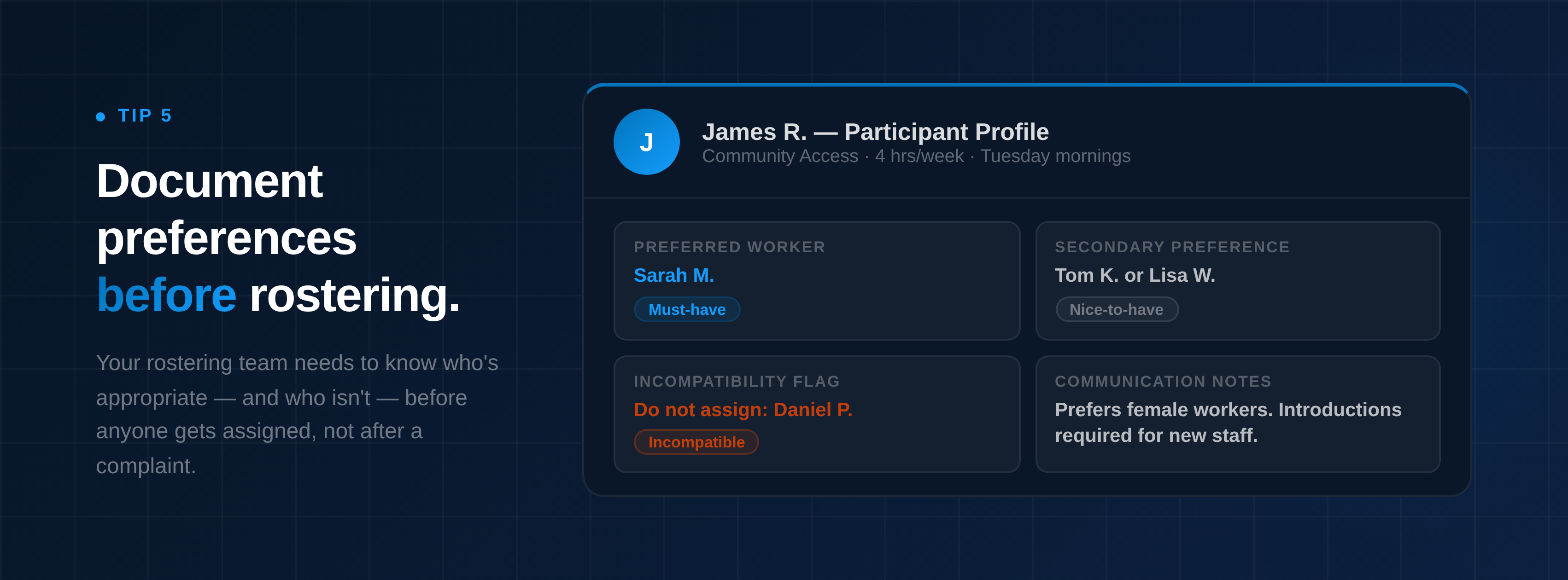
Before a support worker is assigned to a participant, the rostering team (if you have one) needs to know who's appropriate for that role, and who isn't.
This means documenting participant preferences on the participant's profile before scheduling begins. Worker preferences, any compatibility or incompatibility flags, must-haves, and nice-to-haves.
Your rostering staff need to be able to access this information before they assign anyone, not after a complaint has already been made. Make it part of your onboarding process: before the first shift is rostered, the participant profile is complete.
Pro Tip 1: Think about time slots
This one is for providers who are thinking about scaling their operations, particularly in community access and in-home support.
When you’re just starting out, you will often make no conscious effort to think about how you’re going to fit participants into a schedule. You offer the generic times. The 10 o'clock start. The mid-morning window. That is completely understandable. In community access at least, those are the most desirable hours for participants, and when you are new, you take what you can get.
The problem shows up later.
If all of the participants you support are receiving support at the same time, you create a rostering problem that gets harder to solve the longer you leave it. You need more workers to cover the same hours. And because all of the shifts are stacking on top of each other rather than spreading across the day, it becomes increasingly difficult to give those workers the hours they are actually looking for. A support worker who wants full-time equivalent hours cannot build that from three 10-to-2 shifts a week.
Think of it like Tetris. If every piece lands in the same spot, the board fills up fast and nothing fits cleanly anymore. The goal is to spread the load: fill the early part of the day first, and as that fills up, start placing participants at the later end. That is one way to build a schedule that actually works for everyone in it.
This matters most for workers who want stability and a consistent income. More hours in a workable spread means a more stable income for the worker, which means lower turnover, which means participants get to keep the same person showing up week after week.
Consistency matters.
It’s worth noting this is less of a concern in Supported Independent Living and other support types, where workers are already on longer hours. And there will always be workers who are happy with one or two shifts a week. But for Community Access providers where workers are looking for something close to full-time equivalent work, time slot clustering is a known structural problem that can quietly kill retention. Not always. But often enough that it is worth thinking about from day one.
Pro Tip 2: Set clear expectations around ad hoc supports and notice periods
Ad hoc supports feel low-stakes in the moment. A participant calls, they want something outside the regular schedule, and you accommodate it.
That is good service, right?
Yes, but it comes at a cost. Ad hoc supports draw from the same funding pool as planned supports. Every unplanned hour delivered is an hour that will not be available later, for the regular weekly shift, for the support the participant actually relies on.
If the participant understands this, they can make an informed decision. If they do not, they will be confused and frustrated when funding runs out before the plan does. Make sure your team can have this conversation clearly and calmly: "We can absolutely look at fitting this in. Just so you know, it will draw from your remaining funding, which means we may need to adjust your scheduled supports later in the plan. Are you happy to proceed with that in mind?"
The other side of this is managing expectations around when and how ad hoc support can actually be organised.
Accommodating the odd last-minute request might feel manageable with a small number of participants. But as you grow, that approach does not scale. If ten or fifteen participants called on the same day asking for support the next morning, the operational load alone would be unworkable. And it’s not just the volume. Rostering is already a high-pressure role. On any given day your team might be managing sick callouts, trying to find fill-ins, and holding difficult conversations with participants whose shifts could not be covered. Adding an urgent ad hoc request into that environment is not a small ask.
Set a minimum notice period and communicate it clearly from the start. When we ran support, we asked for at least a week's notice for any ad hoc support request. We were always clear that if we could make it work sooner, we would try. But a week was the expectation we set, and setting it early meant participants understood the process rather than being surprised by it.
That one conversation, had early and consistently, takes a lot of pressure off your team down the track.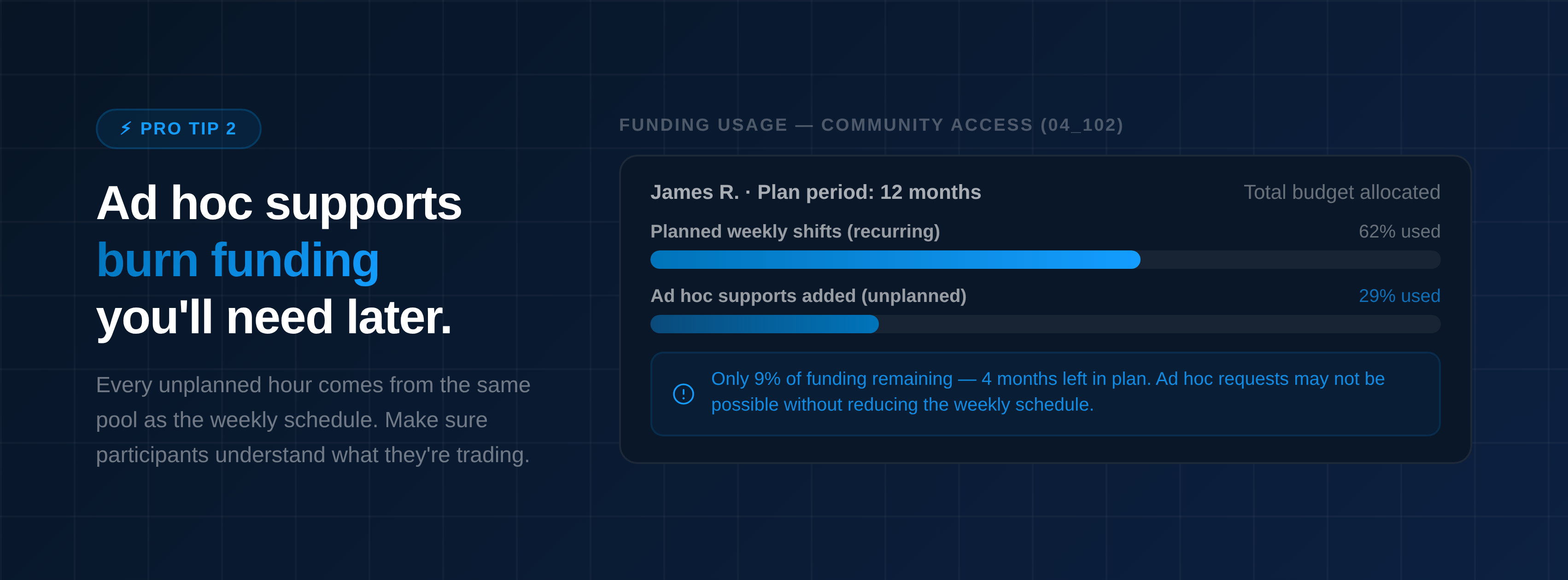
Astalty is built for NDIS providers managing complex schedules. It gives you the tools to handle the behind-the-scenes work: creating budgets, generating quotes, building service agreements, and getting them signed via our integration with DocuSign, all without leaving the platform.
One platform designed around the way NDIS providers actually deliver supports.
